AI Watercolor Generator
Turn a photo into soft watercolor washes with natural blending and paper texture — likeness kept where it fits.
Per-edit billing · 1 credit ≈ $0.01
Free to preview in your browser — no credit card. New accounts start with 5 free credits that never expire, plus a free daily pool. Watermark-free HD exports use credits only when you're ready to download.
More AI Art Styles
Try another look — each page opens with that style ready to generate.
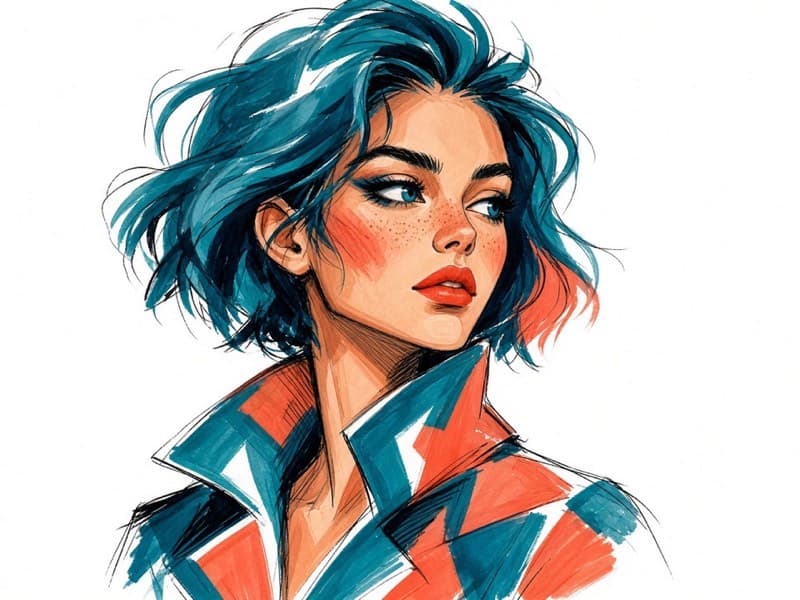
Marker
Bold strokes, vivid colors, and expressive hand-drawn details.
Try Marker →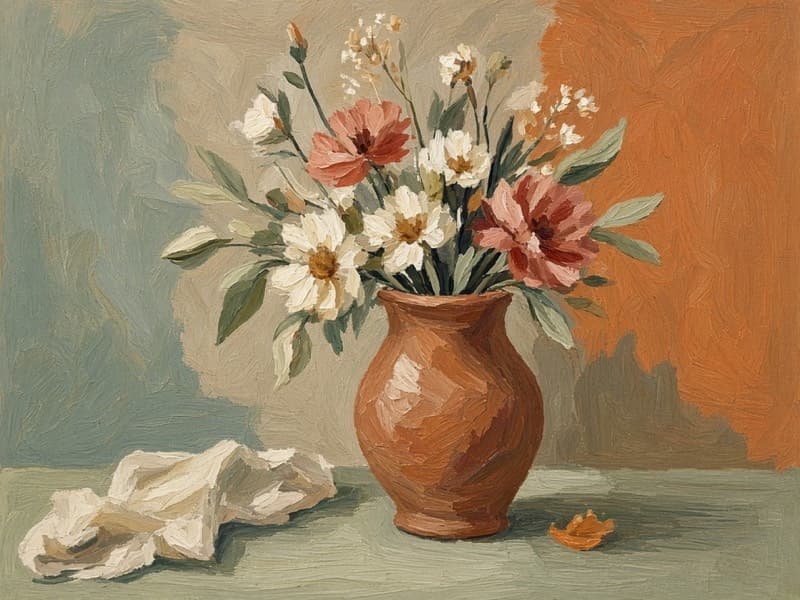
Gouache
Opaque colors, matte finishes, and expressive painterly brushwork.
Try Gouache →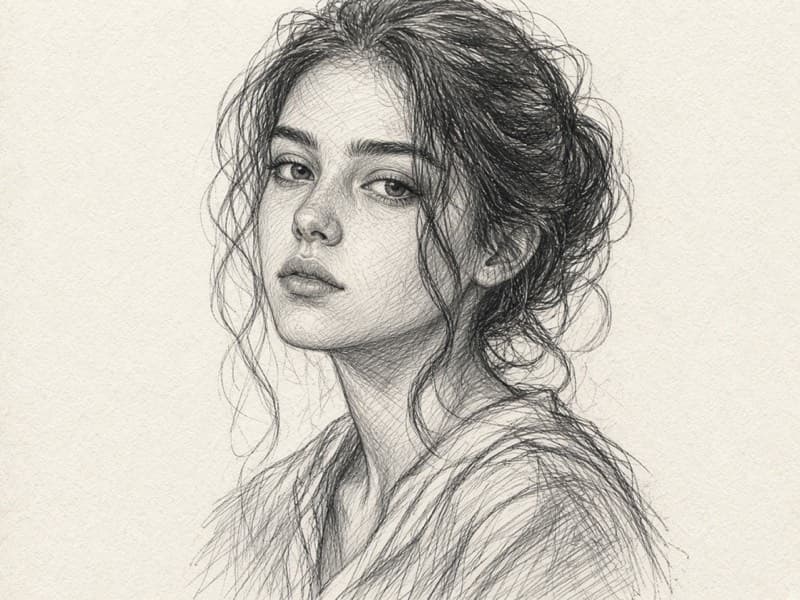
Sketch
Expressive graphite lines, natural shading, and hand-drawn details.
Try Sketch →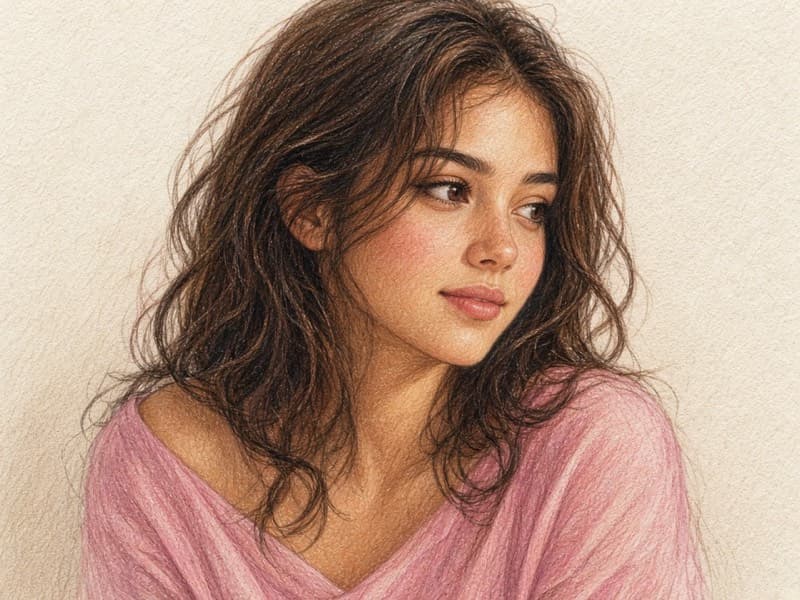
Colored Pencil
Layered pencil strokes, rich colors, and visible paper grain.
Try Colored Pencil →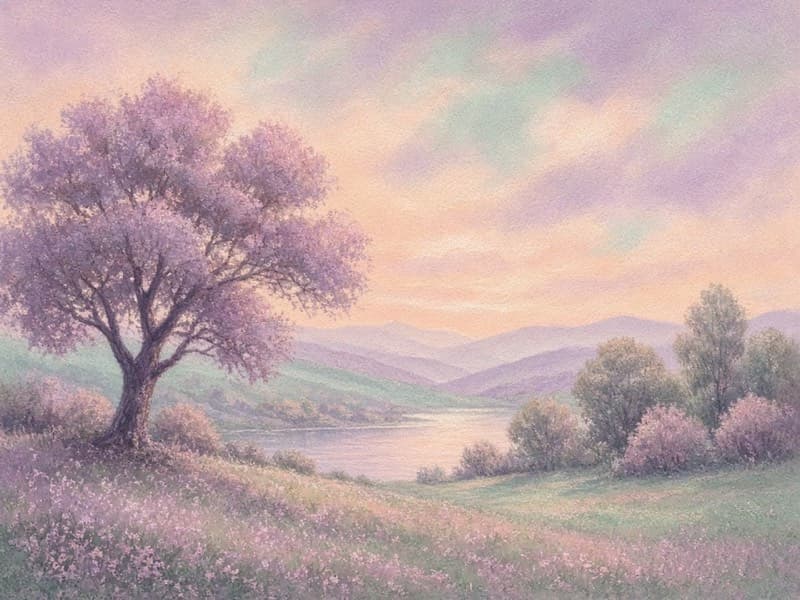
Pastel
Soft, velvety pigment textures and gentle color transitions.
Try Pastel →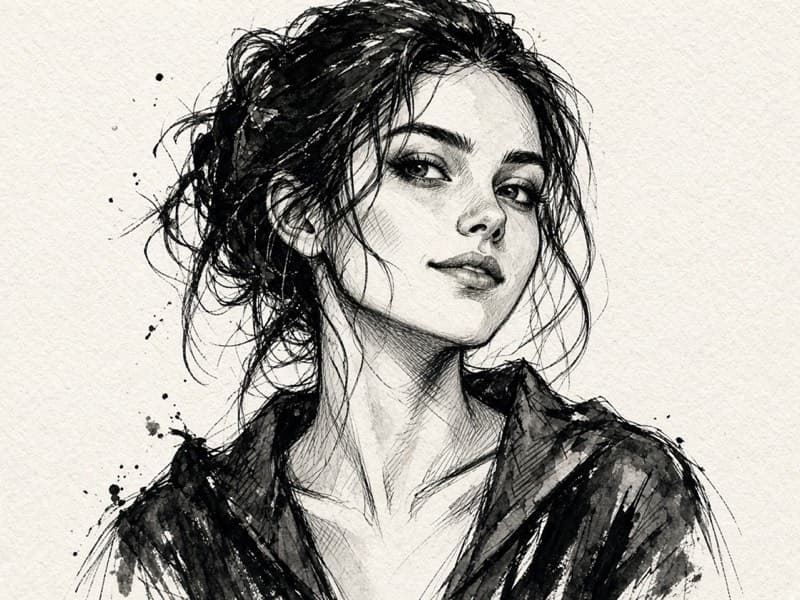
Ink
Confident linework, varied strokes, and striking contrast.
Try Ink →
How to create watercolor art
- 1
Upload a clear photo
Choose a sharp image with the subject well lit. Portraits and simple backgrounds work best for style transfer.
- 2
Pick an art style
Open Marker, Watercolor, Gouache, Sketch, Colored Pencil, Pastel, or Ink — each page locks that look for you.
- 3
Generate and download
Preview in your browser, then download when you like the result. Credits apply per generation as shown on the button.
Watercolor FAQ
What makes AI watercolor different from other styles?
- Watercolor mode emphasizes translucent washes, soft bleeding edges, and paper texture rather than opaque paint or hard ink lines.
What are AI art styles on Vocalove?
- AI Art Styles turn a photo into marker, watercolor, gouache, sketch, colored pencil, pastel, or ink looks using our existing AI image edit models. You upload a photo, generate, and download in the browser.
Do I need to write a prompt?
- No. Each style page applies a tuned style instruction for you. Optional text can refine mood or details if you want.
Will the result look exactly like traditional media?
- Results are AI interpretations of each medium — bold marker strokes, soft watercolor washes, and so on. Exact pigment behavior varies by photo and model; preview before you export.
How many credits does a generation use?
- Art style pages use the same AI image models and credit rates as our image editor. The generate button shows the charge before you run.
Can I use the artwork commercially?
- Exports you generate on vocalove are yours to use in your projects, subject to our Terms and Acceptable Use — only upload photos you have rights to transform.