Tiny Desk AI: put anyone in the Outstanding video

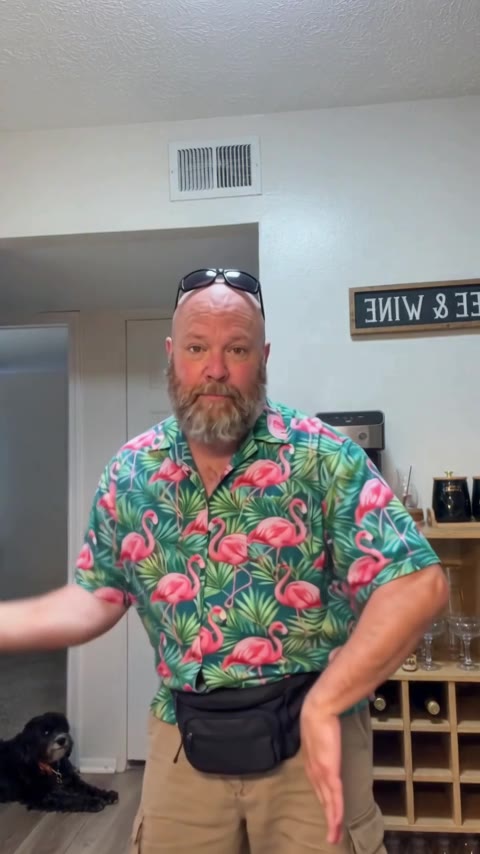
Lead singerSings the Charlie Wilson part. One clear, front-facing photo.
Keys(optional · band pack)Front row, at the red keyboard.
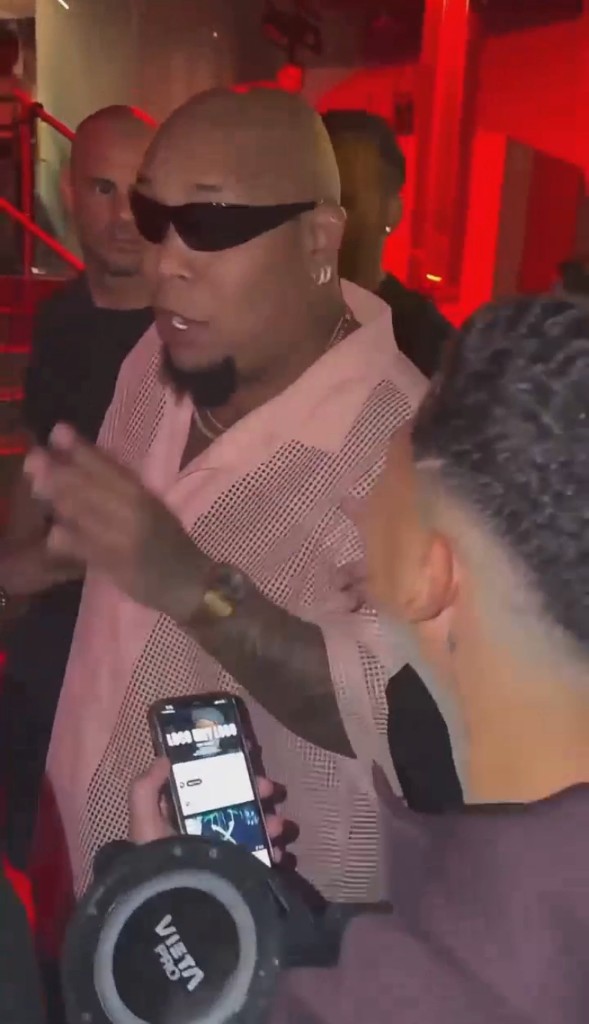
Sax(optional · free)The sax solo close-up. An AI musician unless you add a friend.
Backup singers(optional · band pack, shared with keys)Back row, left and right. In both band shots.

Keys and the two backup singers share one extra: add one or all three for the same price. Any seat you leave empty is played by an AI musician.

about 18 sthe viral cuts from the band shot onsong included9:16500 creditsno subscription

Sign in to use credits. Buy credits ·

Your photo goes in. You sing Outstanding at Tiny Desk.

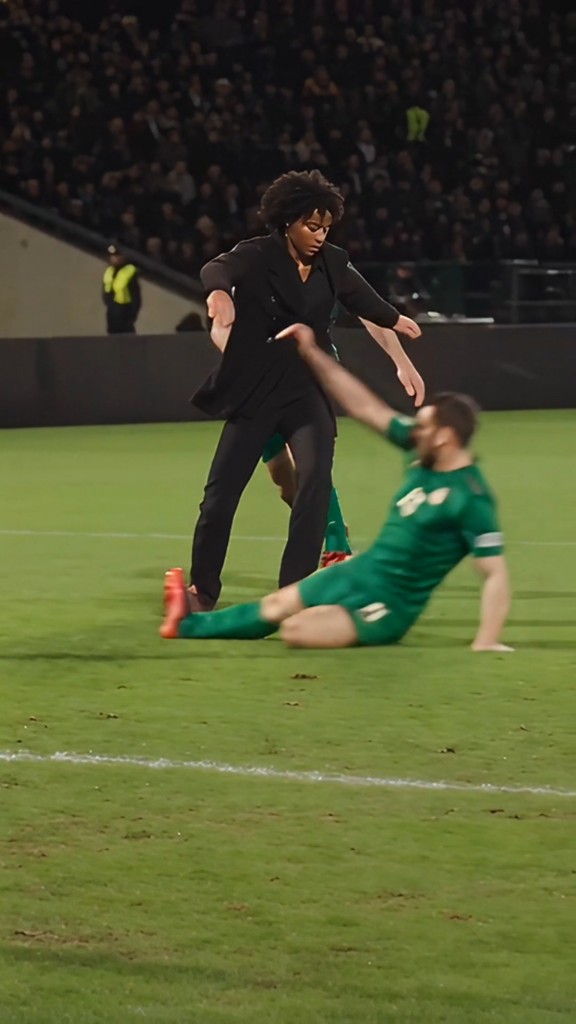
Tiny Desk Outstanding AI puts a face into the viral ~18-second Outstanding Tiny Desk cut: band wide shot, big laugh close-up, sax solo, band again.

Upload the lead singer, then optionally add friends on keys, sax, and as two backup singers. Empty seats stay as AI musicians from the template.

Output is a vertical 9:16 MP4 with the template song kept in sync. Use it for parody and fan edits — never as a real performance.

Jump to the upload tool

Lead plus optional band seats

Lead singer is required — front center, Charlie Wilson part. Keys sit front row at the red keyboard. Sax gets the solo close-up. Backups stand left and right in the band shots.

Keys and backups share one credit pack (+150). Sax costs nothing extra. Any seat you skip keeps the template player.

Three steps. Zero CapCut.

  1. 1

    Upload the lead

    One clear, front-facing photo. Your coach, teammate, friend, or you.

    Jump to the upload tool

  2. 2

    Add band friends (optional)

    Keys and the two backups share +150 credits. Sax is free. Leave a seat empty and the template musician stays.

  3. 3

    Download and post

    Get the ~18s 9:16 clip with song. If a platform mutes it, post muted and add Outstanding from the app library.

Photo tips

One face looking at the camera. Sharp and well lit — no sunglasses.

Shoulders up works best. Avoid group shots, cartoons, and heavy filters.

Tiny Desk Outstanding AI FAQ

Seats, credits, song, and photos — before you generate.

How do I make an Outstanding Tiny Desk AI video?
Upload a clear front-facing photo for the lead singer. Optionally add friends on keys, sax, and as the two backup singers. Confirm permission and generate. You get an ~18-second vertical MP4 with the viral cuts and the Outstanding audio from the template.
Is Tiny Desk Outstanding AI free?
Videos use credits (500 for lead only; +150 when you add keys and/or backup singers — sax is free). Watching the sample needs no account. Sign in to generate.
How many people can be in it?
Up to five: lead singer plus optional keys, sax, and two backup singers. Empty seats stay as the template musicians. Keys and backups share one credit add-on; sax is free.
Does the video have the Outstanding song?
Yes — audio from the template is kept so the clip stays synced to the meme. Platforms may mute copyrighted audio; if that happens, post muted and add Outstanding from the app music library.
Can I put my team’s coach or players in it?
Yes for parody and fan edits. Don’t present it as real, don’t harass anyone, and don’t use it in ads or endorsements. Only use photos of people who agreed. No minors.
What photo works best?
One person, facing the camera, sharp, good light, nothing covering the face. Shoulders-up works best. Avoid group shots, cartoons, and heavy filters.
What is the Outstanding Tiny Desk meme?
Charlie Wilson closed an NPR Tiny Desk with The Gap Band’s “Outstanding.” In 2026, TikTok creators started swapping coaches and friends into the last ~18 seconds of that performance. It’s AI parody — nobody on those clips actually played Tiny Desk.
Is this affiliated with NPR or Charlie Wilson?
No. Tiny Desk Outstanding AI is an independent fan-style tool. It is not affiliated with or endorsed by NPR, Tiny Desk Concerts, Charlie Wilson, or The Gap Band.

Parody-first Tiny Desk clips

Only animate people who agreed. No celebrities or minors for harassment.

  • Permission first

    Only upload faces and likenesses you own or have explicit permission to animate.

  • Delete when you want

    Remove generated videos from your account; contact us to delete your account and associated content.

  • Not for training ads

    Uploads are used to generate your clip — not sold for ads or unrelated model training.

  • Credits for exports

    Preview the template free. Credits apply when you generate and download your video.