What is the Giant Ramp Climbing AI generator?
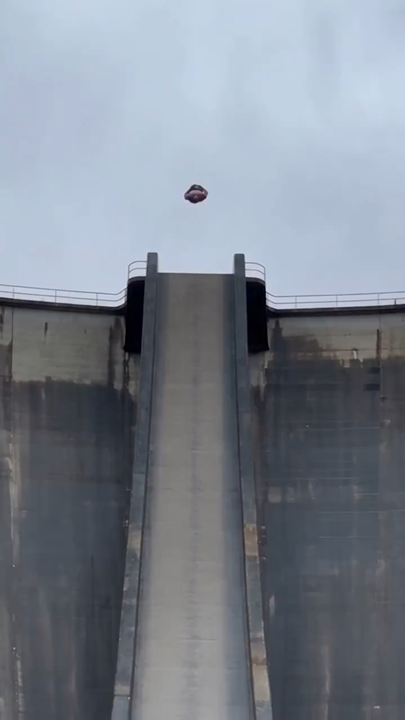
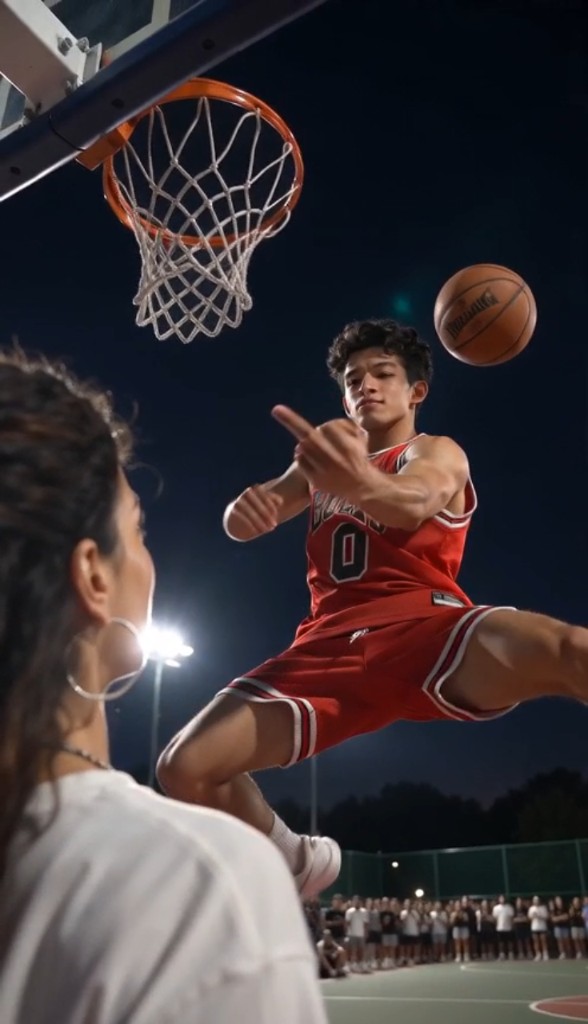
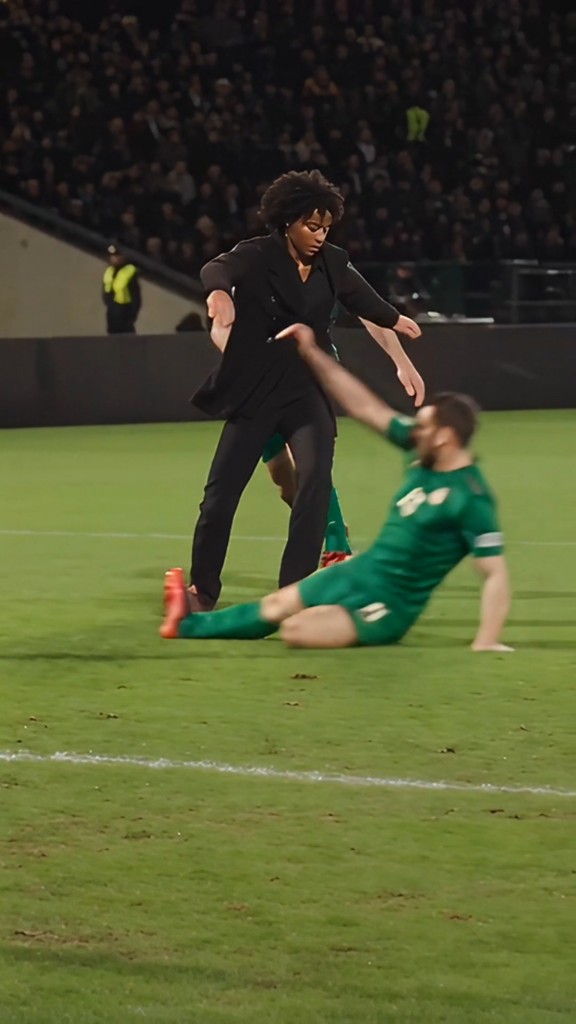
Giant Ramp Climbing AI turns one photo into the viral dam-wall stunt meme: upload a portrait, and the model replaces only the shirtless runner on the concrete spillway while keeping every sprint, airborne crest, descent, flex pose, the crowd filming on phones, and the original audio.
This trend is also searched as dam wall run AI, Tesla Flip AI, and giant ramp climbing AI. The bundled reference is the spillway version: run toward the dam, launch at the crest, come back down, and celebrate with a flex.
This is a strict character replacement on a fixed reference clip — not a text-prompt recreation. Face, hair, body proportions, and clothing come from your photo; timing, camera, dam structure, and spectators stay locked to the sample.
Because motion comes from the bundled reference rather than an improvised prompt, the stunt stays consistent run to run. The result should look like the original video with only the main runner swapped.
This is an AI effect, not a real stunt. Never attempt anything like it in real life, and label the clip as AI-made when you post.
How the Giant Ramp Climbing generator works
Upload one photo and press Generate. We charge 600 credits per render, send your image plus the bundled Giant Ramp Climbing reference to Wan 3.0 reference-to-video, and return a finished MP4 in the browser.
The reference clip is fixed and hosted with Vocalove, so every run follows the same dam spillway path. You do not upload a video, and you never need to describe the stunt in text.
Rendering usually takes several minutes. Keep the tab open while the job runs — the download button appears as soon as the file is ready.
How to make a Giant Ramp Climbing AI video
- 1
Step 1: Upload a clear, full-body or waist-up photo
Use a sharp JPG, PNG or WebP under 10 MB. Full-body shots preserve likeness best when the runner is small on the wall; waist-up works for the opening and flex close-ups. Avoid heavy filters, sunglasses and group photos.
- 2
Step 2: Confirm the template and check the cost
The Giant Ramp Climbing template is locked — roughly 15 seconds of reference motion at 720p. The generate button shows the real credit cost (600 credits) before you submit.
- 3
Step 3: Generate, preview and download
Press Generate and keep the tab open while the render runs. Preview the MP4, download it, mark it as AI-made where required, and never treat the stunt as something to copy in real life.
Each render costs 600 credits. Compare plans on the pricing page.
Photo requirements for character swap
- One person, face clearly visible and not turned away or covered.
- Full-body or at least waist-up — the runner appears both close and tiny on the dam face.
- Even lighting and a simple background; avoid group photos and text overlays.
- No screenshots, stickers or watermarks over the face.
- Formats: JPG, PNG or WebP, up to 10 MB. HEIC should be converted before upload.
Only upload photos of yourself or people who gave you permission to animate them. Do not use images of public figures or anyone else’s likeness without consent. This clip is AI fiction — do not attempt the stunt.
Ready to generate? Back to the tool