AI Meme Generator
Turn your ideas into memes worth sharing.
0/800
Idea starters
View generation settings (final prompt)
Enter an idea above to preview the prompt sent to the model.
Credits apply when the image is generated. Caption edits are free on your device.
Sign in required. Credits are charged when you generate a new image — editing captions does not charge again.
Popular Meme Ideas
Start from a relatable situation — work, Mondays, school, or daily friction — then tweak captions until the punchline lands. Tapping an idea only fills the prompt; it does not generate or spend credits.
How to Make a Meme
- 1
Describe your idea
Start with a relatable situation, a funny observation, or an unexpected twist. Short, specific ideas usually work best.
- 2
Choose a style and layout
Pick an art style and a layout that fits your joke, from classic captions and two-panel memes to four-panel comics and before-and-after comparisons.
- 3
Customize and download
Edit your captions, adjust available text styling (size, colors, stroke, position, and optional black bars on classic layouts), and preview the result in your browser. Download a PNG with your current captions included.
Meme Styles
Each style only changes the look of the AI artwork — layout and captions stay under your control.
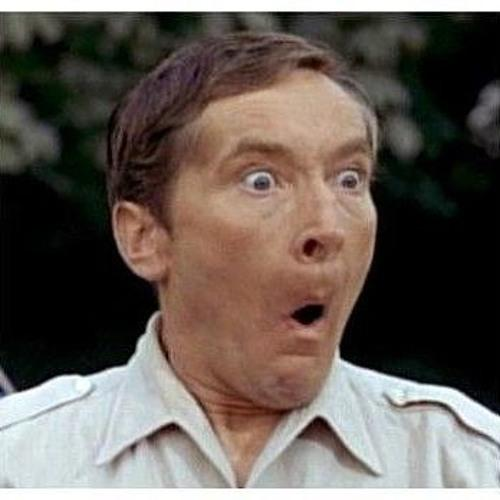
Classic Meme
Reaction-style imagery designed for bold meme captions.
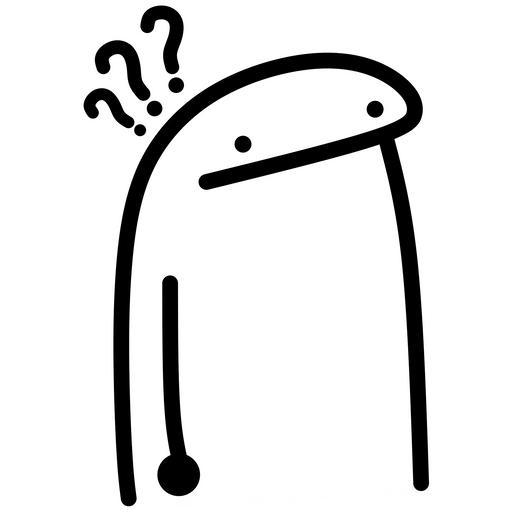
Doodle
Simple stick figures, thick black outlines, and clean white backgrounds.

Comic Cartoon
Expressive characters, bold outlines, and vivid comic colors.
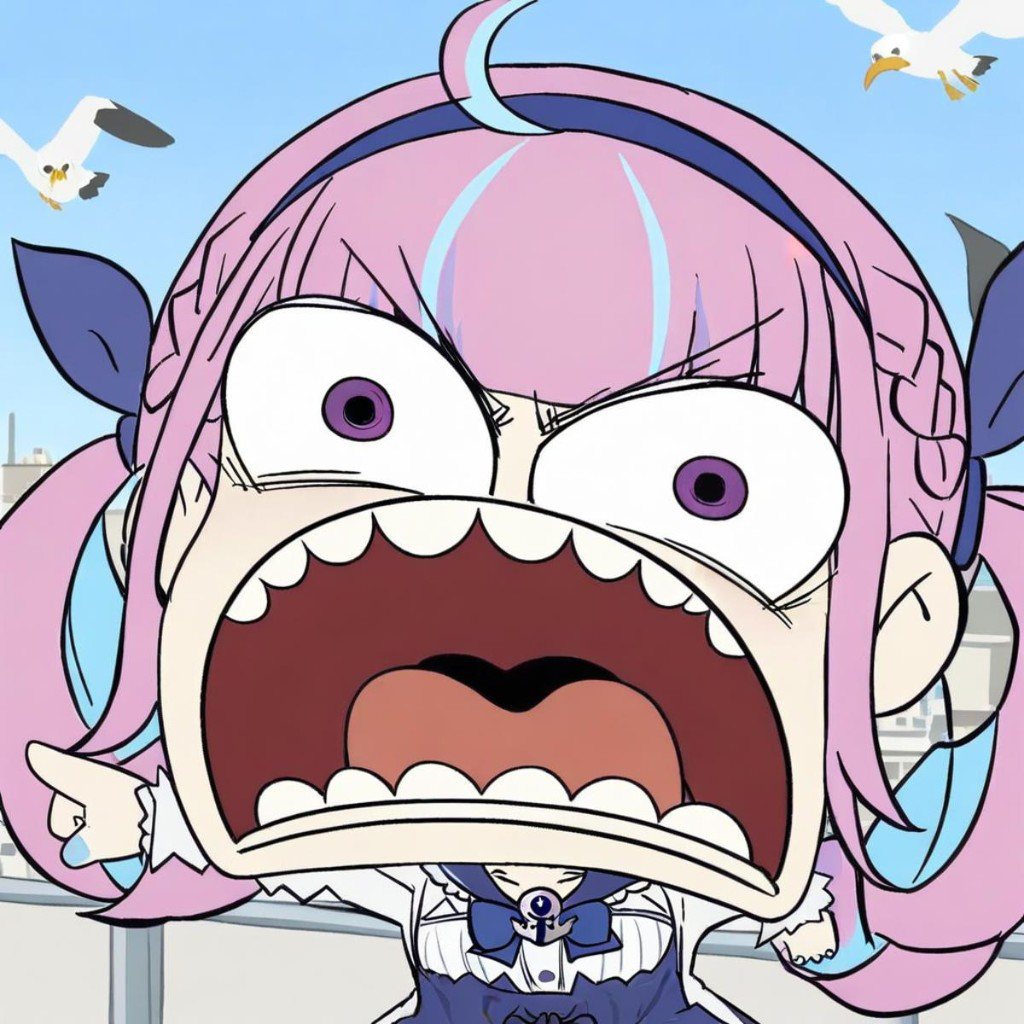
Cute / Kawaii
Cute characters, playful expressions, and colorful anime-inspired artwork.
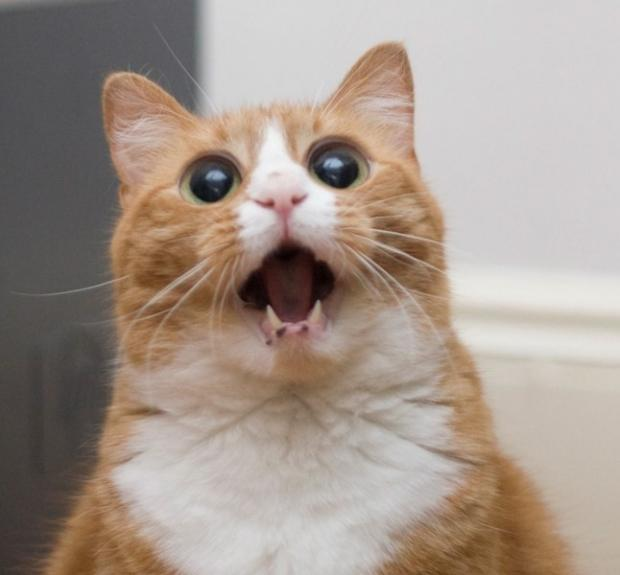
Funny Animals
Expressive animal characters with humorous reactions.
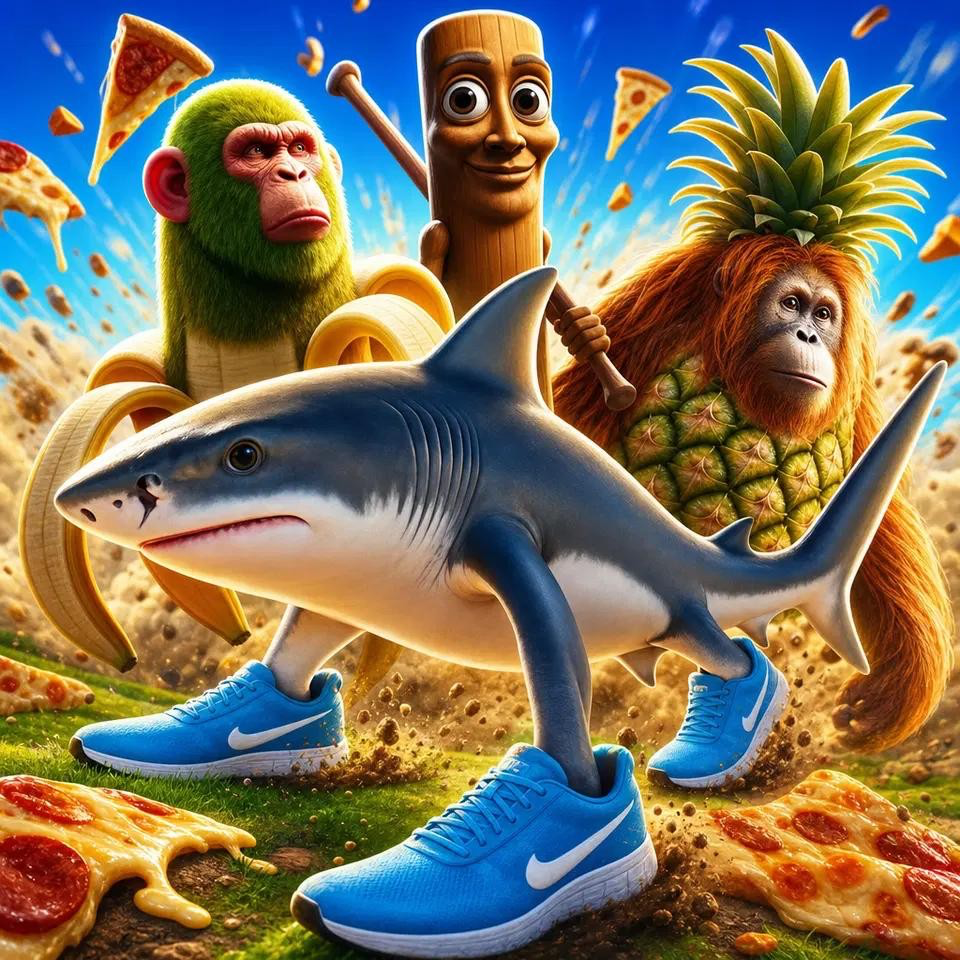
Surreal / Brainrot
Absurd visual combinations, exaggerated expressions, and chaotic internet humor.
FAQ
- What is an AI Meme Generator?
- Vocalove’s AI Meme Generator turns a short idea into a funny still with AI image generation. The model draws the base image (no on-image text). You add meme captions in the browser, so spelling and punchlines stay editable.
- Can I customize meme captions?
- Yes. After the image generates you can edit classic top/bottom text or per-panel text (for two-panel, four-panel, and before/after), plus font size, text color, stroke color and thickness, vertical position or panel padding, and optional top/bottom black bars on classic layouts. Caption edits update live and do not call the AI or spend credits.
- Can I download my meme?
- Yes. Download PNG exports the same composition you see in the preview — base image plus your current captions.
- Is the AI Meme Generator free?
- You need a Vocalove account. Generating or regenerating an image uses credits (shown on the Generate button; cost depends on layout aspect ratio). Editing captions after generation does not charge again.
- Can I upload my own image?
- Not in this version. The tool only generates a new scene from your text idea. Uploading a custom photo as the meme base is not supported yet.