


Step 1
Pick a voice
Built-in preset or clone voice — record or upload a sample you have permission to use.
Create videos, images, and realistic AI voices in one creative studio.
Start with welcome credits in your browser — no credit card. Cloning and watermark-free downloads use credits; top up with one-time packs when you need more.
Bring voices, photos and ideas to life.
Clone your voice free in the browser — no sign up to preview.
Clone voice free →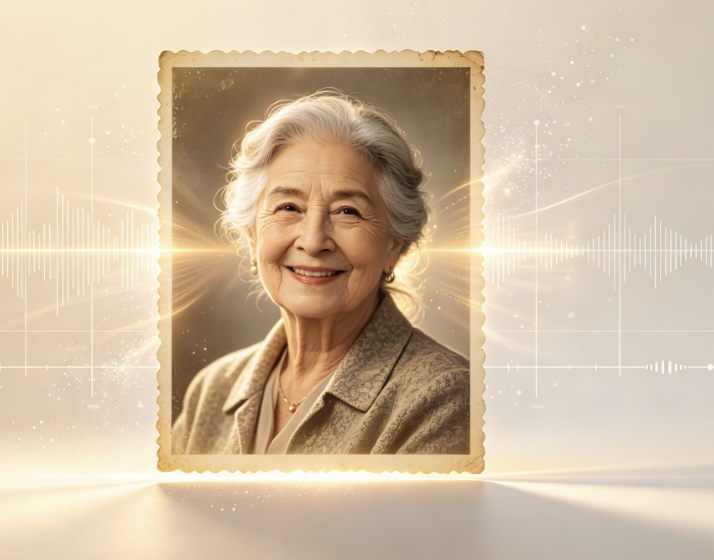
Make a photo speak with natural voice.
Animate photo →
Turn your ideas into engaging videos.
Create video →Popular AI video templates people are making on Vocalove.
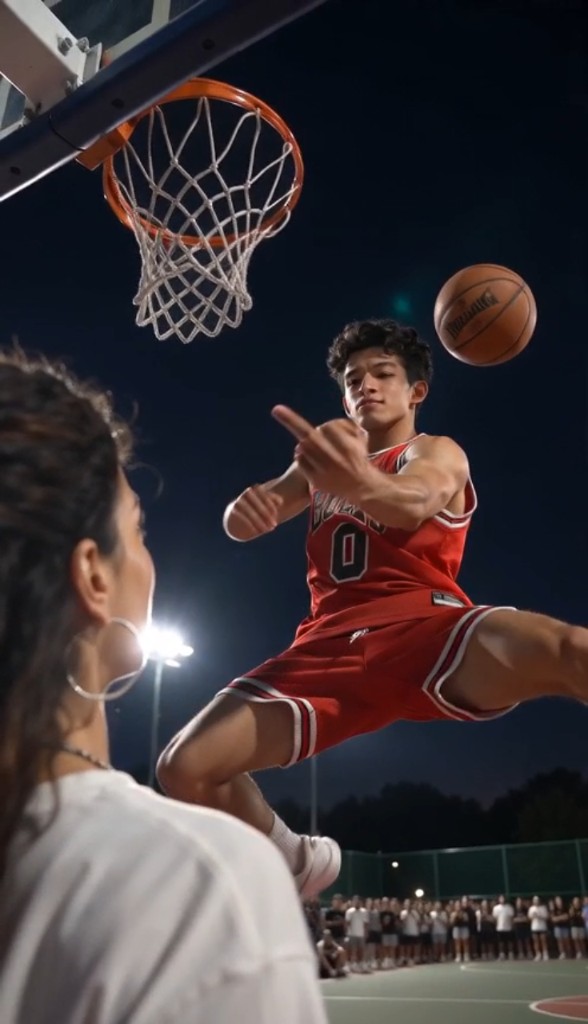 Basketball Middle Finger AI preview
Basketball Middle Finger AI
Create Now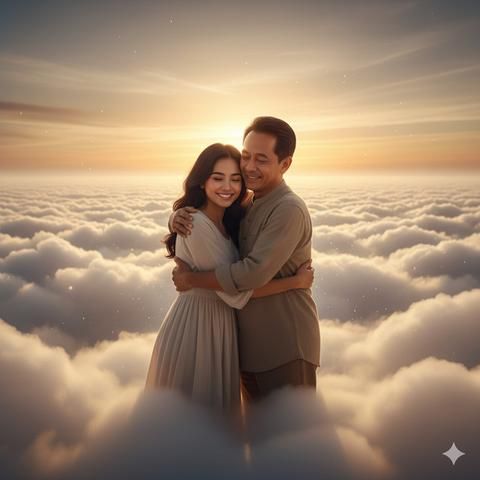 Hug in Heaven preview
Hug in Heaven
Create Now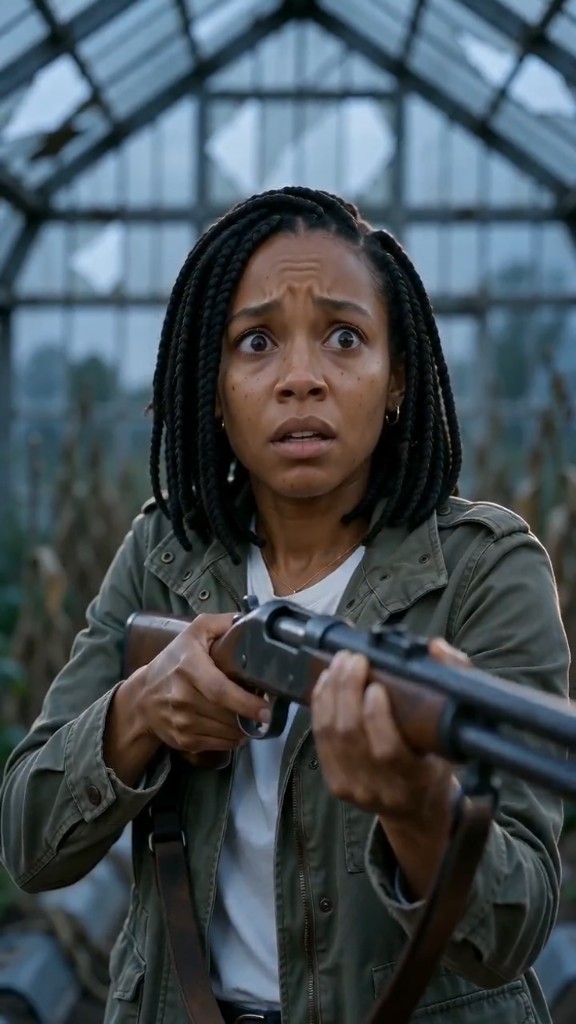 Zombie Couple Video preview
Zombie Couple Video
Create Now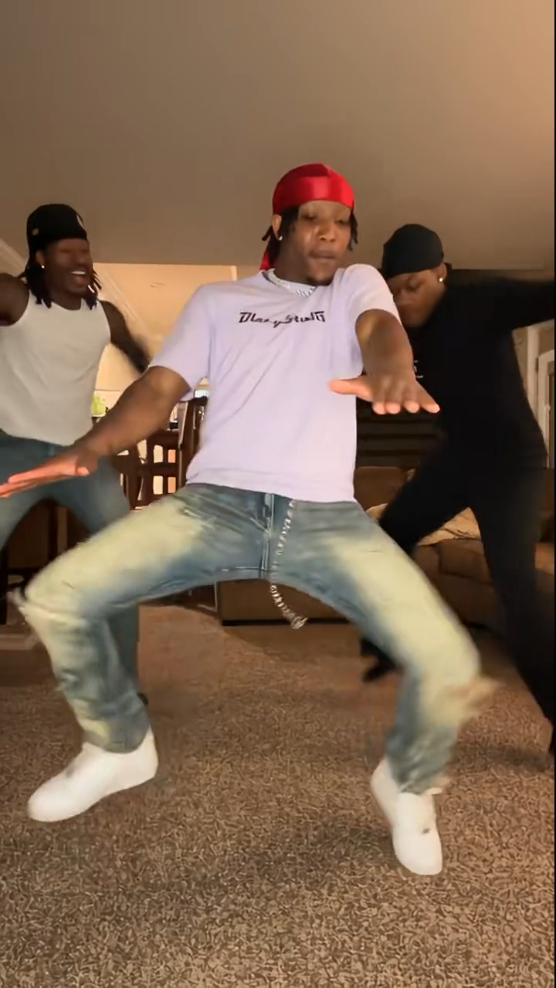 Layoo Dance AI preview
Layoo Dance AI
Create Now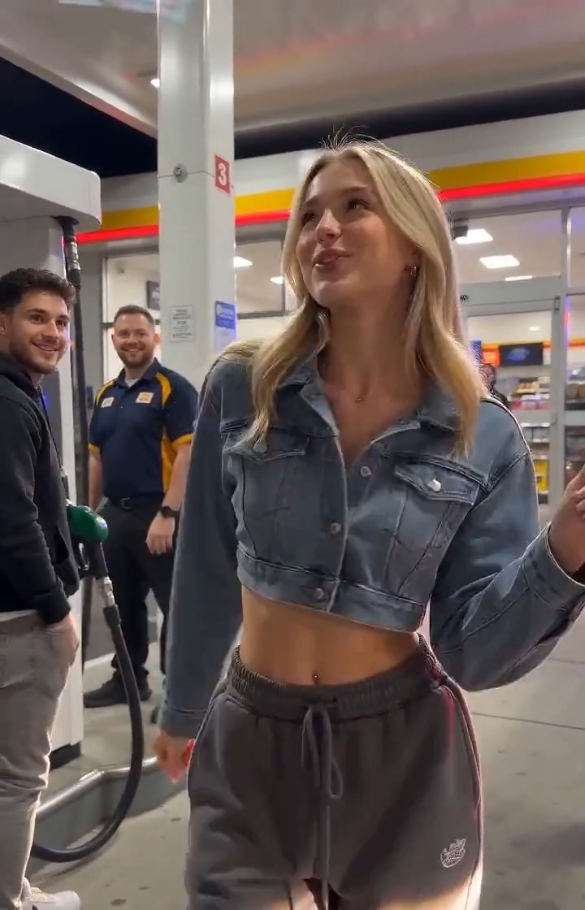 Gas Station Dance AI preview
Gas Station Dance AI
Create Now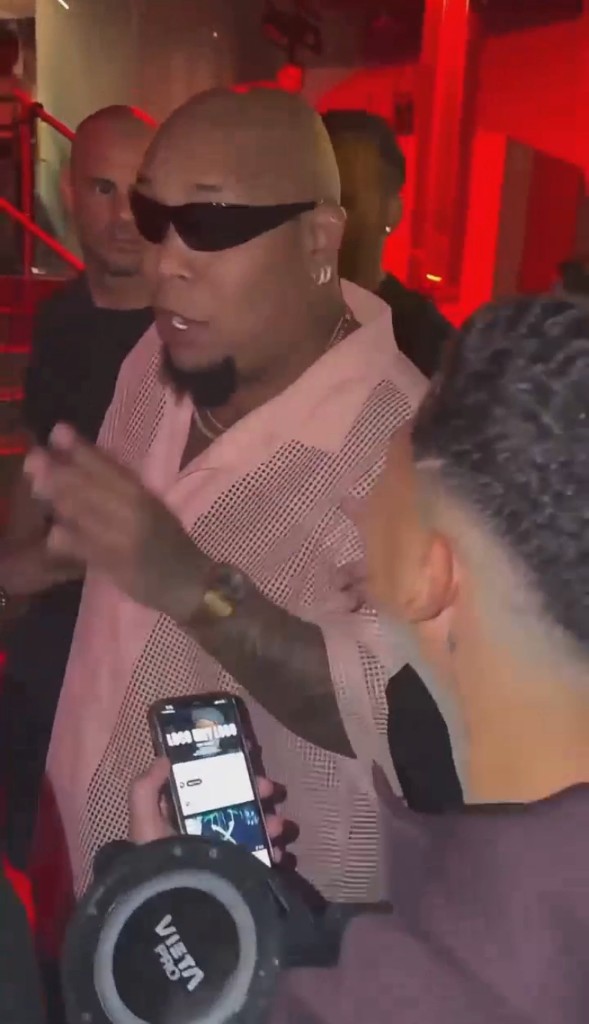 Bulin 47 AI Video preview
Bulin 47 AI Video
Create Now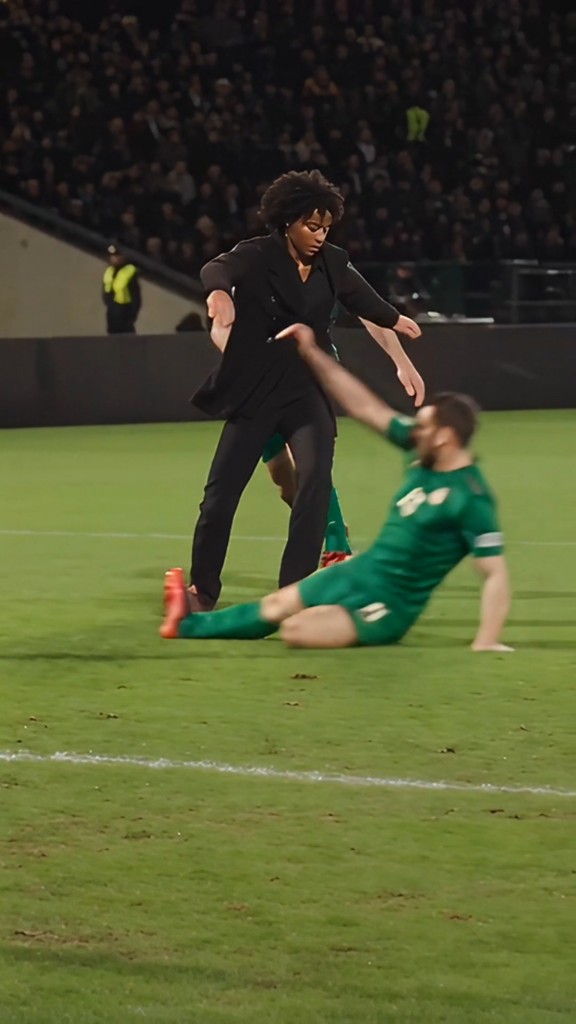 Ozil Goal AI Video preview
Ozil Goal AI Video
Create NowPick a familiar voice, type a line, preview and download MP3.
Get a cloned voice in minutes • Built-in presets or sample clone • Preview in your browser
Step 1
Built-in preset or clone voice — record or upload a sample you have permission to use.
Step 2
Write what you want heard. Audition built-in voices free before you generate.
Step 3
Clone voice may take 1–3 minutes. Download or share your audio in one tap.
How vocalove works in your browser — clone speech, edit images, and generate video in one creative studio.
Pick your path: built-in voice for instant previews, or Clone voice to record in the browser or upload mp3, wav, or m4a you have permission to use. A clear sample in a quiet room is enough — welcome credits cover your first tries so you can hear the match before you top up.
Type what you want said. The model generates new audio in the cloned voice, not a one-size-fits-all TTS voice. Clone mode may take one to three minutes; built-in speech is faster. Download or share in one tap. Paid credits unlock watermark-free HD when you add a talking portrait — see our memorial video flow for that step.
Regular TTS apps optimize for news-readers and assistants — fine for directions, wrong for a grandmother reading a bedtime story or a memorial line that has to sound familiar. vocalove combines voice cloning and optional portrait animation in one flow, so families do not have to sync audio in an editor by hand.
Permission rules are explicit: clone only voices you own or are allowed to use. Uploads are for your output — not sold for unrelated model training. Delete creations when you want; credits are one-time packs, not a subscription.
Whether you need a thirty-second birthday clip, a voice-only keepsake, a memorial video with a talking portrait, a question they answer in their own voice, a funeral slideshow closing line, or a pet memorial video for a companion you miss, the workflow stays the same: sample, script, generate. Built-in voices let you prototype instantly; clone mode delivers the match that makes relatives pause and listen.
Ready to hear the difference? Scroll up to the tool on this page — vocalove runs entirely in your browser, with built-in voices for quick tests and clone mode when the voice has to sound like someone you love. When you are ready for a talking portrait, start with our memorial video page.
Edit stills, generate short clips, and pair visuals with cloned speech — same browser studio as the voice tool above.
AI image on vocalove means editing and creating stills without leaving the browser. Upload a reference photo, describe the change in plain language, and generate a new JPEG — swap outfits, clean a portrait, or try a different look before you animate a face. Dedicated tools cover hairstyle and hair color when you only need hair, character art when you want a stylized figure, old photo restoration for scratched family scans, and poster, menu, or infographic layouts when the brief is marketing rather than a selfie. Results download as shareable files you can keep, post, or feed into a talking-photo or memorial video later.
Start with the AI Image Editor for general text-guided edits, or open AI Poster Generator when you need a flyer or social graphic from scratch. Restored or retouched stills drop straight into talking photo or memorial workflows when you are ready for motion.
AI video turns text prompts or still images into short clips for social posts, product demos, storyboards, and creative drafts — without a timeline editor. In the AI Video Generator workspace you switch between image-to-video and text-to-video, pick models such as Seedance, Kling, Wan, or Veo, and set aspect ratio and resolution to match your feed or canvas. Talking Photo Videos sits in the same hub when you need a lip-synced portrait that speaks cloned or built-in audio — useful for birthday lines, memorial tributes, and keepsakes where the face and the voice both matter. Explore the workspace with welcome credits; generating and downloading watermark-free output uses credits from your balance.
Open the AI Video Generator to compare models side by side, or jump to Talking Photo Videos when the project is a speaking portrait. One-time credit packs cover HD exports — no subscription required.
Their voice. Then their face.
Most apps animate a face and drop in stock text-to-speech. vocalove starts with AI voice cloning: record or upload a sample, generate new words in that sound, and optionally pair the audio with a portrait. A grandparent's cadence on a birthday line, a parent reading a story while traveling — familiar speech, not a narrator voice.
vocalove: clone the voice first. Add the face when it matters.
Their voice. Then their face.
Tribute videos, guides, and related tools — same voice cloning, different occasions.
Start with a voice — clone it from a short sample you have permission to use, or pick a built-in preset on this page. Welcome credits let you try in your browser; the same account balance covers watermark-free downloads when you are ready.
Clean up the portrait you want to use in the AI Image Editor, restore an old scan, or generate a new look with the AI Character Generator. Hair tools and poster layouts live under the same login, so you do not bounce between apps to finish one keepsake.
Then bring the two together: a talking photo that lip-syncs the face to the speech, a tribute video, or a poster for the service. One browser account holds the voice, the still, and the final clip — sample, edit, generate — without exporting into a third-party editor just to sync audio by hand.
Quick answers about voice cloning, built-in voices, pricing, and what you need permission to use.