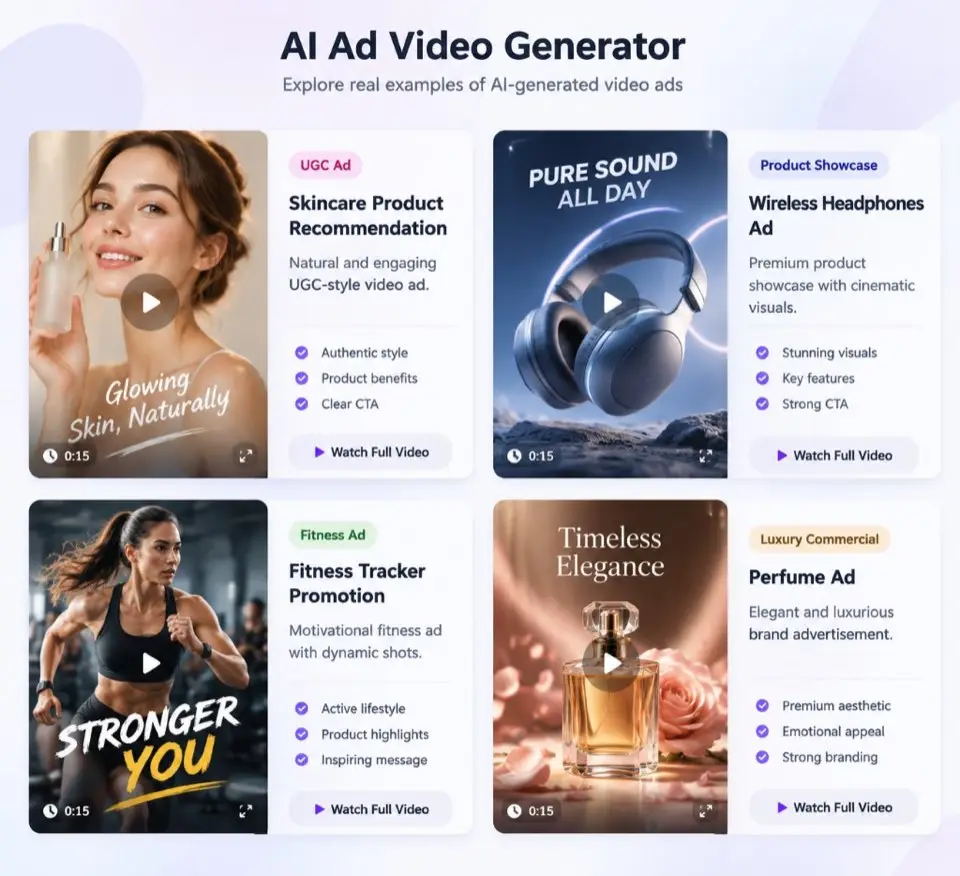
What is the AI Ad Video Generator?
Vocalove AI Ad Video Generator helps you plan and produce short product ads from photos: upload product images, set style and length, generate a structured script and storyboard, then edit each scene before you spend credits on video renders.
Unlike a single prompt-to-video form, this workspace walks through product input, ad configuration, and an editable storyboard so hooks, benefits, and CTAs stay under your control.
Scene durations are planned to match your chosen 15s or 30s length. Claims that are not grounded in your product details are flagged for review instead of being invented as facts.
Video, voiceover, music, and final composition connect through provider adapters. Until those jobs are wired, the studio still lets you generate and edit the advertising plan without faking a finished MP4.
How the ad workflow works
Step 1 collects product images and details. Step 2 sets style, duration, aspect ratio, language, tone, and voiceover. Generate charges the full ad package (about 1172 credits for a 15s ad with voiceover at AI Video Generator rates), then returns an editable storyboard.
Each scene keeps its own status so regenerating one shot does not wipe assets you already paid for. Export starts only after composition finishes — never before.
How to make an AI product ad
- 1
Upload product photos
Add 1–5 clear JPG, PNG, or WebP images under 10 MB. Reorder them so the hero shot comes first.
- 2
Configure the ad
Pick a style (UGC, showcase, cinematic, unboxing, or problem/solution), 15 or 30 seconds, aspect ratio, language, and tone.
- 3
Generate and edit the storyboard
Review hooks, voiceover, subtitles, and motion prompts. Fix unsupported claims, then regenerate individual scenes when ready.
Tribute & memorial video FAQ
Permission, privacy, exports, and pricing — straight answers before you make a tribute or memorial video.
What do I need to start an AI product ad?
- At least one product image and a product name. Description, selling points, audience, brand, CTA, and URL are optional but improve the script.
How many credits does generating an ad cost?
- Generate charges a full package at AI Video Generator rates for your duration (Seedance 2.5 @ 720P), plus a small script fee and optional voiceover TTS. A typical 15s ad with voiceover is about 1172 credits — the button shows the live total before you confirm.
Will regenerating one scene rebuild the whole ad?
- No. Each scene has its own status and assets. Regenerating a scene updates only that scene; completed scenes stay preserved.
Can I export before composition finishes?
- No. Download is enabled only after the final composition job completes successfully. Demo placeholders are labeled and are not treated as real exports.
Built for families, not fakes
Memorial videos need clear rules. Here is how vocalove handles your uploads and your trust.
Permission first
Use only voices and photos you own or are allowed to share — memorial tributes among people who trust each other.
Delete when you want
Remove memorial videos from your account; contact us to delete your account and associated content.
No selling your voice
Uploads are used to generate your memorial video — not sold for ads or unrelated model training.
1080p, no watermark on credits
Paid exports are full HD without a watermark. Free trial lets you preview before you buy.