What is the basketball middle finger trend?
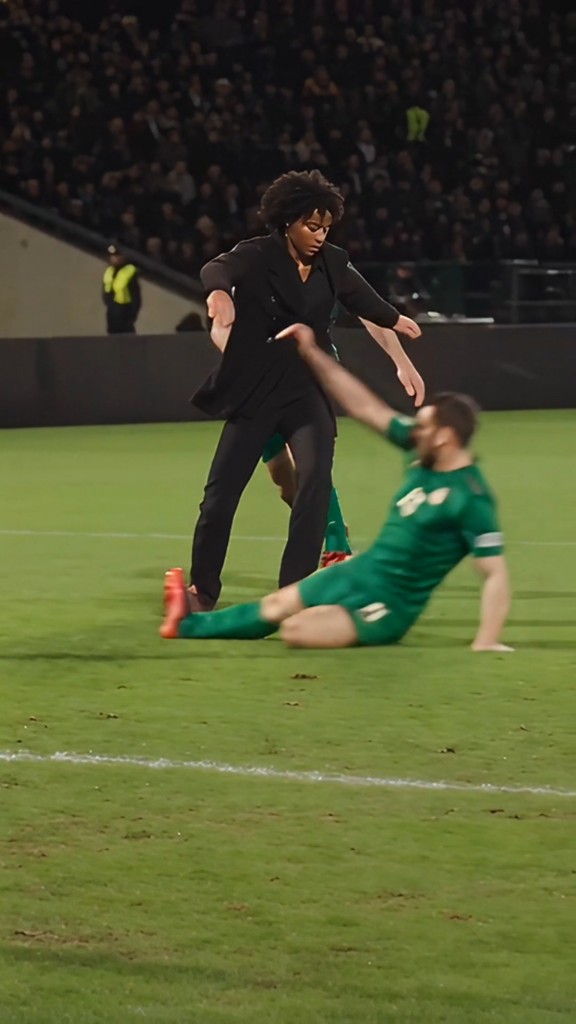
The basketball middle finger trend (also called the middle finger dunk, disrespectful dunk, or 1v1 basketball AI) took over TikTok: two photos become an AI clip where one person dunks on the other — then flips them off.
Most creators still chase CapCut Pioneer templates, which need the app, a template link, and a few retries. Vocalove runs the same disrespectful dunk idea in your browser — on phone or desktop — with a locked Kling O3 video-to-video template.
You upload two photos (you + opponent), pick a court vibe, confirm permission, and download a portrait MP4. Motion and audio stay locked to the dunk template so the joke still reads on TikTok and Reels.
What happens in your dunk
Every clip tells the same 1v1 disrespect story with your two faces.
- 1
Setup on the court
0–2 sYou and your opponent face off — likeness locked from your photos.
- 2
Crossover & approach
2–4 sThe drive starts. Camera and timing stay glued to the template.
- 3
Flying dunk
4–7 sYou leap and dunk over the opponent — the beat that makes the meme.
- 4
Middle finger
7–9 sThe disrespect finish — same audio sting, your face as the dunker.
How to make the middle finger dunk video
- 1
Step 1: Upload two photos
One of you, one of the friend you’re dunking on. Clear faces work best — selfies are fine if lighting is even.
- 2
Step 2: Pick the court vibe
Street night court, pro arena, school gym — or type a custom place (Hogwarts, the Moon). Motion stays locked to the dunk template; the vibe nudges atmosphere.
- 3
Step 3: Dunk & download
Confirm permission, generate, then download the portrait MP4 and post. Only use photos you own or have clear consent to animate.
Photos that work
- Two clear solo photos — not group shots or heavy filters.
- Waist-up or full body so the dunk still reads.
- Face and outfit easy to see in even light.
- No sunglasses covering the eyes, no hands over the face.
- JPG, PNG, or WebP, up to 10 MB each.
Basketball middle finger AI video generator
A solid dunk generator should keep both faces recognizable, lock the dunk choreography, and preserve the disrespect audio beat. We hide the prompt and always use the same Kling O3 video-to-video dunk template.
You do not need CapCut templates or a second motion clip. Upload two photos, confirm permission, generate, and download an MP4 from your browser.
CapCut template vs this page
CapCut Pioneer templates need the app, a shared template link, and manual retries. This page generates the middle finger dunk clip directly from your photos in the browser.
Vocalove is independent and not affiliated with TikTok, CapCut, or ByteDance. Only animate people you have permission to depict — never use the clip to harass anyone.
Want every model in one place? Open the full AI Video Generator.