AI Video — Photo to Video Online

Upload a portrait and voice clip, type your script, and preview a talking photo video in your browser — natural lip sync, free to start. Built-in or cloned voice · Portrait required · Only use photos and voices you have permission to share.

Photo Use apenas fotos que você possui ou tem permissão para compartilhar.

ADD

Drag, click, or paste — clear face photos work best

Voice
Script
Video model
0 / 1000

Free to preview in your browser — no credit card. New accounts start with 5 free credits that never expire, plus a free daily pool. Watermark-free HD exports use credits only when you're ready to download.

Pick a photo that shines on camera

Great talking photo videos start with a face the camera can read — eyes and mouth visible, lighting even enough to see a smile. Your phone camera roll is full of candidates; you do not need a studio shoot.

Works great

  • Forward-facing portraits with a natural smile — birthdays, graduations, or a sunny day in the yard.
  • One person cropped from a group shot when everyone else can step out of frame.
  • Scanned vintage prints with gentle color — a little softness is fine when the face stays sharp.
  • Expressions that match the moment you want to share: playful, proud, warm, or simply happy to see you.

Trickier to animate

  • Profile shots, sunglasses, or faces turned away — mouth animation is harder when you cannot see the face clearly.
  • Tiny faces lost in a crowd; crop in so one person fills the frame.
  • Heavy backlit silhouettes where eyes and mouth disappear into shadow.

Not sure which photo to use? Upload your favorite, write a short line, and preview — swapping portraits takes seconds. For a step-by-step walkthrough, read our voice cloning software guide.

A clear, forward-facing portrait — scanned prints and phone photos both work.

Ideas for your next talking photo video

Birthday surprises, holiday hellos, bedtime stories across time zones — one portrait plus a voice sample opens a lot of cheerful possibilities. Start with the story you want to tell, then try it in the tool above.

Talking photo videos, explained

How a still portrait becomes a speaking clip — and why vocalove is faster than editing it by hand.

What is a talking photo video?

A talking photo video is a short clip where a portrait appears to speak in a real human voice. Upload a photo, add a voice sample you have permission to use, type your script, and AI matches the speech to the sample — not a flat text-to-speech voice. Animation ties expression to words, so the result feels like the person in the photo is talking to you, not a slideshow with subtitles.

People make talking photo videos for birthday surprises, reunion toasts, long-distance hellos, and keepsakes worth replaying. With vocalove you work entirely in the browser: pick a portrait, clone a voice from a short sample or choose a built-in preset, generate, and share a clip ready for family chats or social posts.
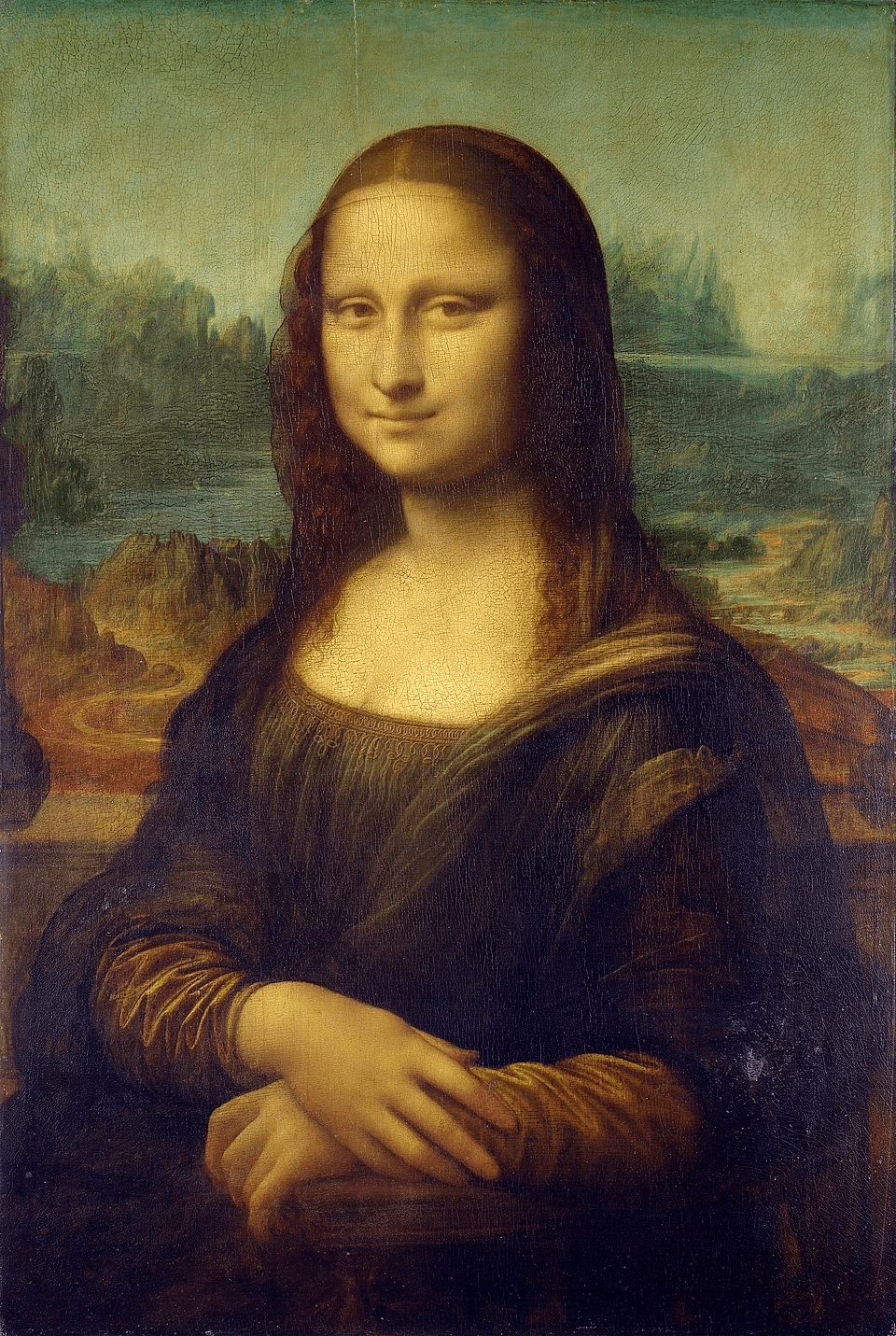
How to make a talking photo video

Three steps — portrait, voice sample, script — and vocalove handles cloning plus animation. No timeline, no plugins. Most clips are ready in under a minute. For a longer walkthrough, see our voice cloning software guide guide.

  1. Step 1

    Choose a portrait

    Pick a clear, forward-facing photo you have permission to use — phone snapshots and scanned prints both work. Skip the image if you only want the voice clip as audio.

  2. Step 2

    Record or upload a voice sample

    Capture up to thirty seconds in your browser, or upload mp3, wav, or m4a you are allowed to share. A cheerful voicemail, party toast, or home recording is often plenty.

  3. Step 3

    Write your script and share

    Type what the portrait should say — a birthday line, inside joke, or thank-you — then generate your talking photo video. Preview free; paid credits unlock watermark-free 1080p download.

Why use vocalove for talking photo videos?

Traditional editors expect video footage and manual animation. A talking photo video needs cloned speech plus portrait animation in one pass. vocalove combines both in the browser: portrait, sample, script, generate.

No install, no subscription. Preview for free, then unlock crisp 1080p exports with one-time credits when you are ready to share widely — with clear permission rules and full control over your uploads.

  • Portrait, voice sample, script — done in about a minute, not an afternoon in an editor.
  • Real voice cloning or built-in presets — speech that fits the moment, not robotic TTS.
  • Free to try; pay only when you want HD exports without a watermark.

Planejando um tributo ou cerimônia? Estes guias usam a mesma ferramenta com dicas específicas da ocasião.

Talking photo video FAQ

Real searches — talking photo, singing photo, photo to video — answered before you upload.

How do I make a talking photo or singing photo video online?
Upload a portrait, add a short voice clip or pick a built-in narrator, type what the photo should say, and generate. vocalove renders a talking photo MP4 in the browser — no timeline editor. People search “singing photo” for the same idea: a still image that appears to speak or sing your script.
What is photo to video AI for a talking portrait?
Photo to video here means one still image animated to match speech — lips and face move with your script while the picture stays the same person. You are not filming new footage; AI drives mouth movement from your audio. Export a short clip for text, social, or a service screen.
Which photos work best for a talking photo video?
Choose one clear, forward-facing face — eyes and mouth visible, minimal motion blur. Phone snapshots and scanned prints both work; crop so one person fills the frame. Skip heavy sunglasses, extreme profiles, and tiny faces in a crowd. Brighter, sharper sources animate more reliably.
Can I use my own voice on a talking photo?
Yes. Record a few seconds in the tool or upload a sample you own, switch to clone mode, then type your script — the portrait speaks in a similar timbre. Built-in preset voices are faster for drafts when you do not need a specific person. Read voice cloning software basics before you clone someone else's voice.
Can I make a talking photo video of my dog or cat?
Yes — pet portraits are a popular use. Upload a clear pet photo and use a human narrator or your own cloned voice for a playful script; results read as a “talking pet” meme or memorial keepsake. One animal per clip works best. See our pet memorial video guide for tribute-style ideas.
How long can a talking photo video be, and is it free to try?
Each export is built for short, shareable lines — about thirty seconds of speech per clip. Preview in the browser without a card; watermark-free 1080p uses one-time credits on our pricing page. No subscription; credits do not expire.

Built for real moments, not fakes

Clear rules on permission, privacy, and exports — so you can focus on the message.

  • Permission first

    Use only voices and photos you are allowed to share — keepsakes among people who trust each other.

  • Delete when you want

    Remove talking photo videos from your account; contact us to delete your account and associated content.

  • No selling your voice

    Uploads are used to generate your clip — not sold for ads or unrelated model training.

  • 1080p, no watermark on credits

    Paid exports are full HD without a watermark. Preview free before you buy.

Do I need permission to use someone’s voice in a talking photo video?
Yes — only use voices and photos you own or have explicit permission to share. Birthday surprises and family keepsakes still need everyone's okay. Do not clone strangers without consent. See our Acceptable Use Policy.
What happens to my photos and voice samples?
Uploads are used only to generate your talking photo video — not sold for ads or unrelated AI model training. Connections are encrypted (HTTPS). Read our Privacy Policy for retention and your deletion rights.