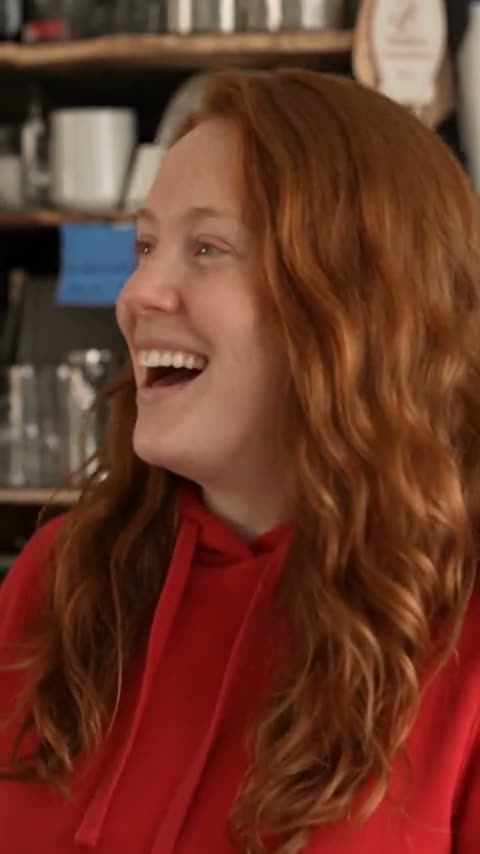
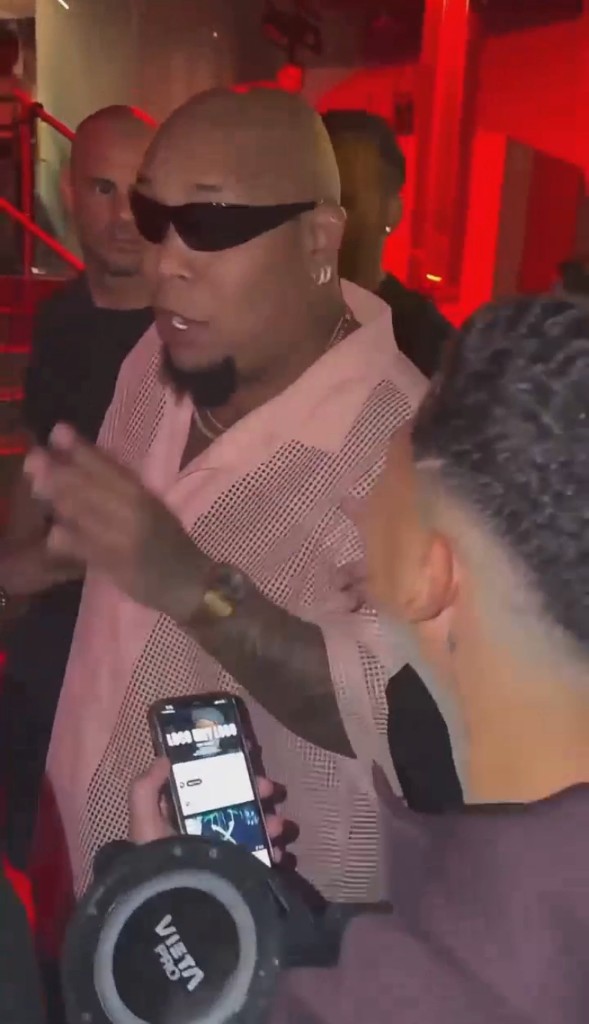
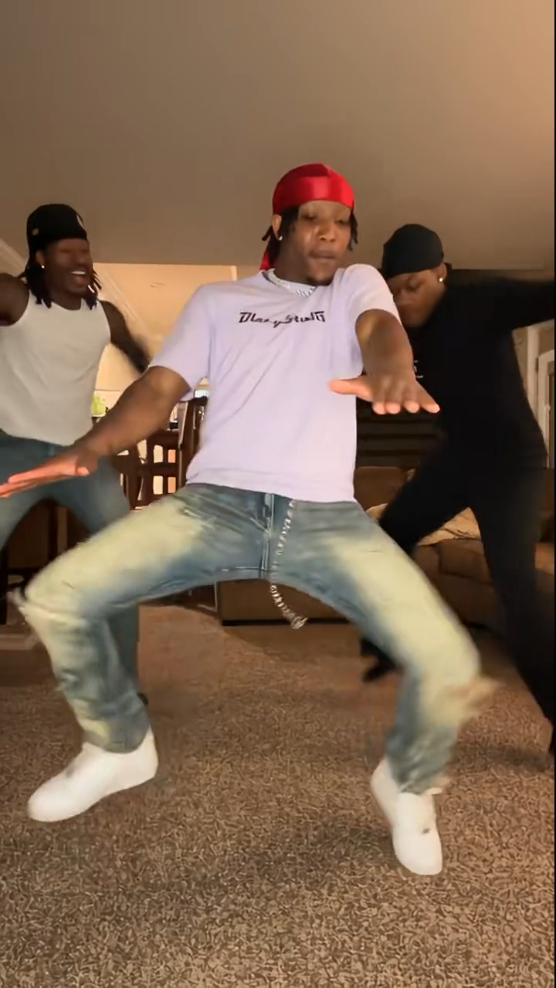
Your photo goes in. You dance Dame Hombro.
Dame Hombro AI turns a photo into the viral TikTok shoulder dance: bounce, shake, flex, heart hands, lean-in — move for move.
Upload one photo for Solo, or two for With a partner. The AI keeps the sample’s camera and room and puts your face, hair, and outfit into the fixed Dame Hombro routine.
Output is a vertical 9:16 MP4 about 15 seconds long. Add the original Dame Hombro sound in TikTok or CapCut the way everyone in the trend does.
Solo or with a partner
Solo: one photo replaces the single dancer in the living-room sample — bounce, shoulder shake, arm flex, heart hands, lean toward the camera.
With a partner: two photos, side by side. Photo 1 is left; photo 2 is right. Each person keeps their own face and outfit. Only use photos of people who agreed.
Three steps. Zero editing.
- 1
Upload your photo
One clear photo for Solo, or two for With a partner (left and right). Front-facing, good light, full body or waist up.
- 2
Tap Generate
Confirm permission and run. Credits are shown on the button. Generation usually takes a few minutes.
- 3
Add the sound
Download the MP4, then add the original Dame Hombro audio in TikTok or CapCut and post.
Tips for a good result
Front-facing, good light, one person per photo. Full body or waist up so the AI copies your outfit.
Avoid sunglasses, masks, hair over the face, and dark or backlit shots. A photo someone else took often works better than a stretched-arm selfie.