Similar trend videos
Three more viral templates — same studio flow, different look.
Create Your Hug in Heaven Video in 3 Simple Steps
- 1
Upload Two Photos
Choose a photo of yourself and someone you want to reunite with.
- 2
Choose Your Scene
Select a heavenly staircase, peaceful garden, or golden cloudscape.
- 3
Create Your Video
Let AI transform your photos into a touching reunion moment.
Choose the Perfect Reunion Scene
Pick a scene in the generator above — or jump back to a favorite from here.
 Heaven StairwayA glowing staircase in soft clouds — the classic heavenly reunion.
 White Flower GardenWhite blooms, soft morning light, and a gentle walk into an embrace.
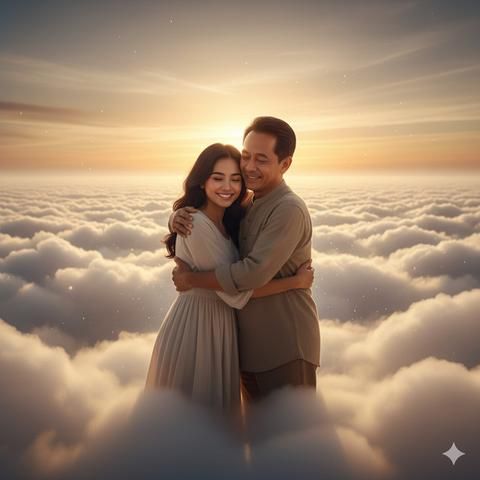 Golden CloudsSunset light above a sea of golden clouds with open arms waiting.
 Family ReunionWarm home light, soft emotion, and a long comforting hug.
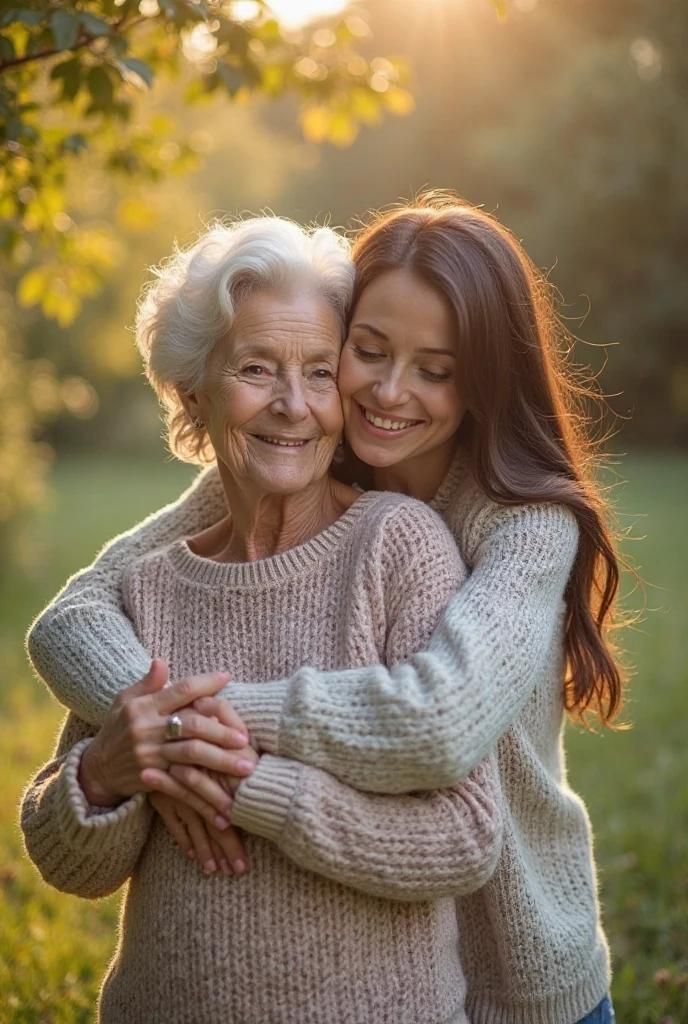 Garden of MemoriesGreen trees, filtered sunlight, and a peaceful outdoor embrace.
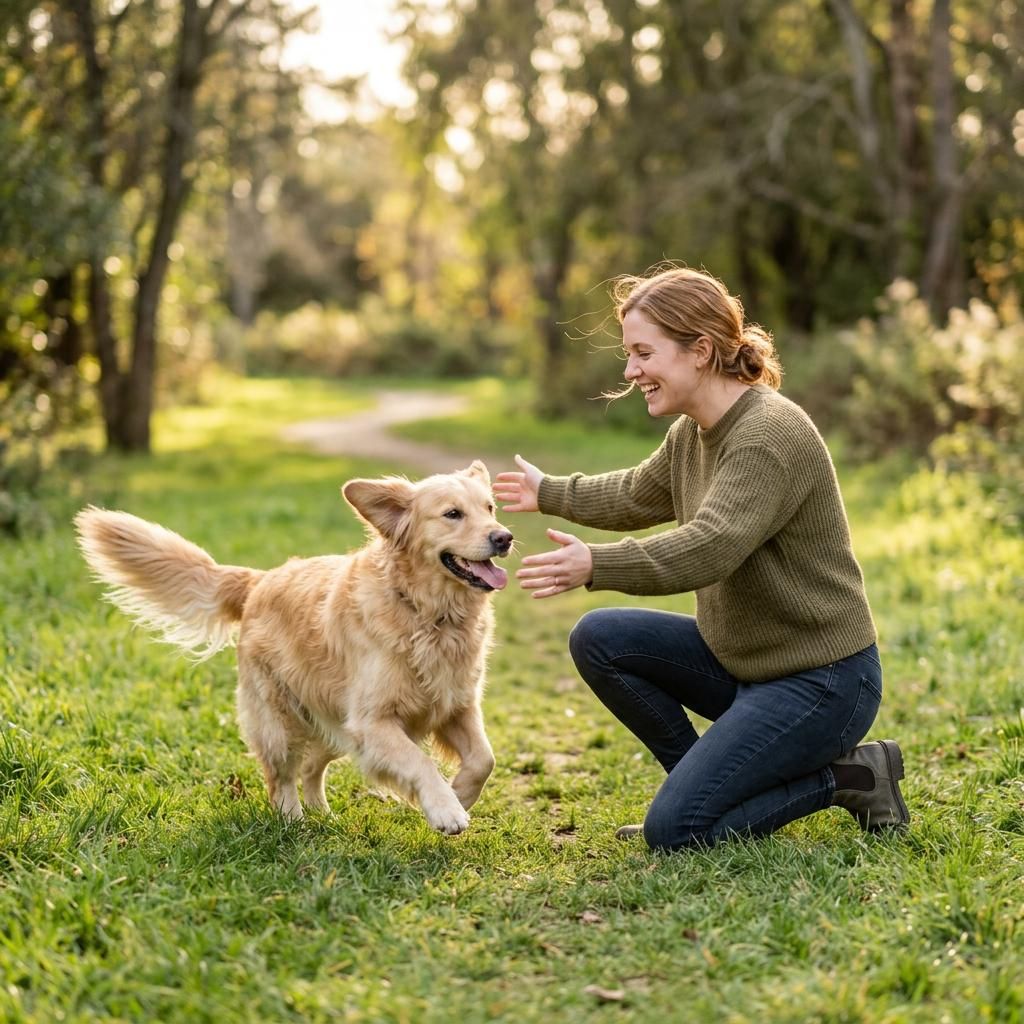 Pet ReunionA sunlit meadow where someone kneels to hug a beloved pet.
A Special Way to Remember Someone
Family Memories
Create a symbolic reunion video celebrating the bond between family members.
Remembering Someone Special
Turn cherished photos into a gentle memorial keepsake.
Remembering a Beloved Pet
Create a heartfelt visual tribute featuring a beloved animal.
What Is a Hug in Heaven Video?
A Hug in Heaven video is an AI-generated visual that brings two people together in a symbolic heavenly reunion. Using two reference photos, an AI video generator can create a scene in which the people approach and embrace each other in a peaceful setting filled with soft light, clouds, or flowers.
People use these videos to celebrate meaningful relationships, remember loved ones, and create personal memorial keepsakes.
Results depend on the selected model, reference photos, and generation settings. AI-generated videos are artistic recreations, not real footage.
How to Make a Hug in Heaven Video from Two Photos
- Choose two clear reference photos.
- Upload both photos to the generator.
- Select a heavenly scene.
- Generate the video and review the result.
- Download the finished video if the current product plan supports it.
Frequently Asked Questions
Hug in Heaven scenes, photos, pets, and downloads.
What is a Hug in Heaven video?
- A Hug in Heaven video is an AI-generated reunion scene that brings two people together for a symbolic embrace in a peaceful, heavenly setting. It can be used as a personal keepsake or memorial video.
How do I make a Hug in Heaven video?
- Upload two photos, choose a scene, and start generating. Vocalove uses the selected scene and a compatible AI video model to create the reunion video.
Do I need a reference video?
- No reference video is required when using a supported two-photo generation workflow. The tool is designed around photo references. Actual input requirements depend on the video model being used.
Can I use photos of someone who has passed away?
- You can use suitable photos to create a symbolic memorial video, provided you have the right to use those images. The result is an AI-generated artistic recreation.
Can I create a Hug in Heaven video with a pet?
- You can select the Pet Reunion scene when the active generation model supports the required person-and-pet references. Results may vary depending on the model.
How long does it take to generate a video?
- Generation time depends on the selected model, video duration, and service demand. Keep the tab open while the clip renders.
Can I choose the background or scene?
- Yes. Select from the available scenes, such as Heaven Stairway, White Flower Garden, Golden Clouds, Family Reunion, Garden of Memories, and Pet Reunion.
Will the AI preserve both people's faces?
- The generator uses the uploaded photos as identity references, but facial consistency is not guaranteed in every frame. Clear, well-lit photos generally provide better references.
Can I download and share my Hug in Heaven video?
- Users can preview and download the finished video when these actions are supported by the active product plan and generation workflow.
Is Hug in Heaven free?
- Check Vocalove's current pricing and credit policy. The generator shows the credit cost before you generate. Do not assume generations are free unless a current offer says so.
Consent-first memorial clips
Only upload likenesses you have permission to animate. We may remove content that violates Acceptable Use.
Permission first
Only upload faces and likenesses you own or have explicit permission to animate.
Delete when you want
Remove generated videos from your account; contact us to delete your account and associated content.
Not for training ads
Uploads are used to generate your clip — not sold for ads or unrelated model training.
Credits for exports
Preview the template free. Credits apply when you generate and download your video.