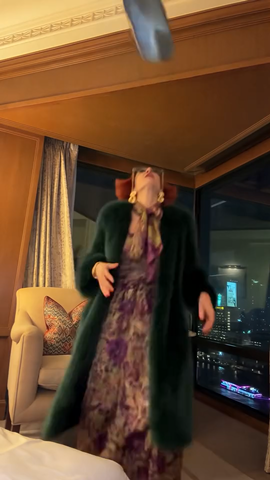
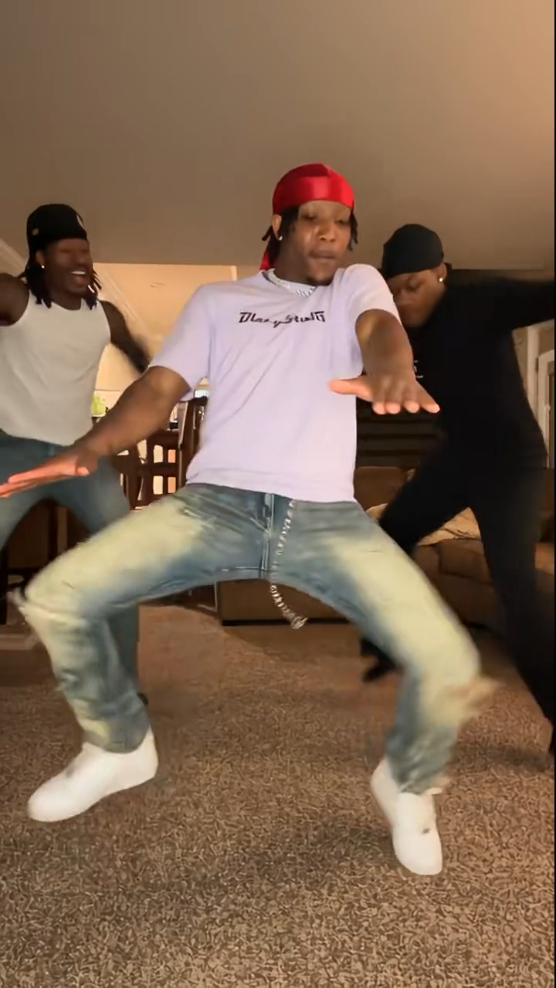
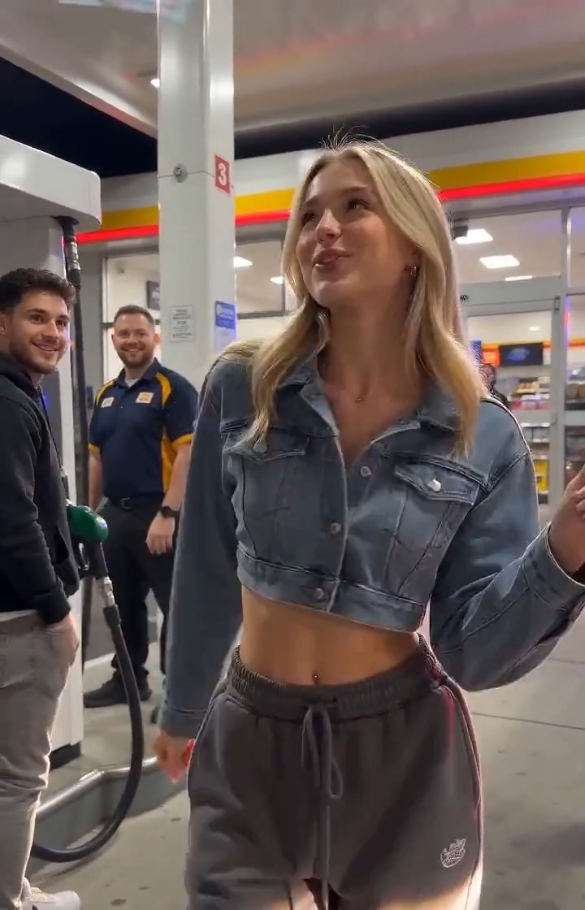
What is the iPhone Kupi Dance AI generator?
iPhone Kupi Dance AI turns one portrait into a vertical dance clip: upload a photo, and the bundled Kupi dance reference drives the choreography while the model keeps your face and outfit. You get a 9:16 MP4 you can download and post — no prompt writing, no editing timeline.
The trend version of this dance lives inside CapCut-style templates that bake a face onto a dancer. This page is the browser generator: a motion-controlled photo-to-video render, not a copy of anyone else’s template footage.
Because the motion comes from a bundled reference clip rather than a guessing text prompt, the routine is consistent from run to run. Your photo still controls identity, hair, clothing and body proportions, so the result looks like you doing the dance rather than a generic dancer.
The reference clip’s music is kept in the render. You can still swap in another licensed track in TikTok, Reels, Shorts or CapCut after download, and label the video as AI-made when the platform asks.
How this generator works
Upload one photo and press Generate Dance Video. We charge 600 credits per render, send your image plus the bundled reference clip to Kling O3 reference video-to-video, and return a finished MP4 in the browser. The dancer is replaced by your photo, and the reference music is kept.
The reference clip is fixed and hosted with Vocalove, so every run follows the same Kupi dance motion at 9:16. You do not upload a video, and you never need to describe the choreography in text.
Rendering is not instant: motion-control jobs usually take several minutes. Keep the tab open while the timer runs — the download button appears as soon as the file is ready.
How to make an iPhone Kupi Dance AI video
- 1
Step 1: Upload a clear, front-facing photo
Use a sharp JPG, PNG or WebP under 10 MB. Waist-up or full-body shots with readable face, hair and outfit preserve likeness best; avoid heavy filters, sunglasses and cluttered backgrounds.
- 2
Step 2: Confirm the template and check the cost
The iPhone Kupi Dance template is locked — vertical 9:16, 720p, 15-second dance reference. The generate button shows the real credit cost (600 credits) before you submit.
- 3
Step 3: Generate, preview and download
Press Generate Dance Video and keep the tab open while the render runs. Preview the MP4, download it with the original music, and mark the clip as AI-made where required.
Each render costs 600 credits. Compare plans on the pricing page.
Photo requirements for dance motion
- One person, face clearly visible and not turned away or covered.
- At least waist-up framing — the dance moves the arms and torso, so a tight face-only crop limits the result.
- Even lighting and a simple background; avoid group photos and text overlays.
- No screenshots, stickers or watermarks over the face.
- Formats: JPG, PNG or WebP, up to 10 MB. HEIC should be converted before upload.
Only upload photos of yourself or people who gave you permission to animate them. Do not use images of public figures or anyone else’s likeness without consent.
Ready to generate? Back to the tool