A clear, forward-facing portrait — scanned prints and phone photos both work.
🖼️
用克隆声音让老照片活起来
扫描结婚照或褪色拍立得,从家庭录音克隆声音,再用熟悉的音色说出新的话——生日、团聚与周年,声音与脸同样重要。
致敬与纪念视频
用熟悉的声音与会说话人像,留住缅怀、祝福与家庭珍藏瞬间。
克隆你有权使用的声音,加上照片,浏览器即可生成。
内置音色 · 从样本克隆 · 需要人像 · 请只使用你有权分享的声音
制作致敬或纪念视频
Drag, click, or paste — clear face photos work best
The portrait drives talking photo in your tribute or memorial video — pick the face guests should remember, not the busiest snapshot on the camera roll. You do not need a studio shoot; a clear phone photo or scanned print is often enough when the face is easy to see.
When in doubt, upload your best candidate, write a short script, and preview before you share with relatives — you can always try a tighter crop or a different portrait. For a step-by-step walkthrough, read our tribute video guide.
声音克隆是起点——短样本、新台词、听起来像他们的语音。许多项目稍后加人像;有些只保留语音当作消息、故事或珍藏。选最接近你的场景,再到上方工具试用。
A clear, forward-facing portrait — scanned prints and phone photos both work.
扫描结婚照或褪色拍立得,从家庭录音克隆声音,再用熟悉的音色说出新的话——生日、团聚与周年,声音与脸同样重要。
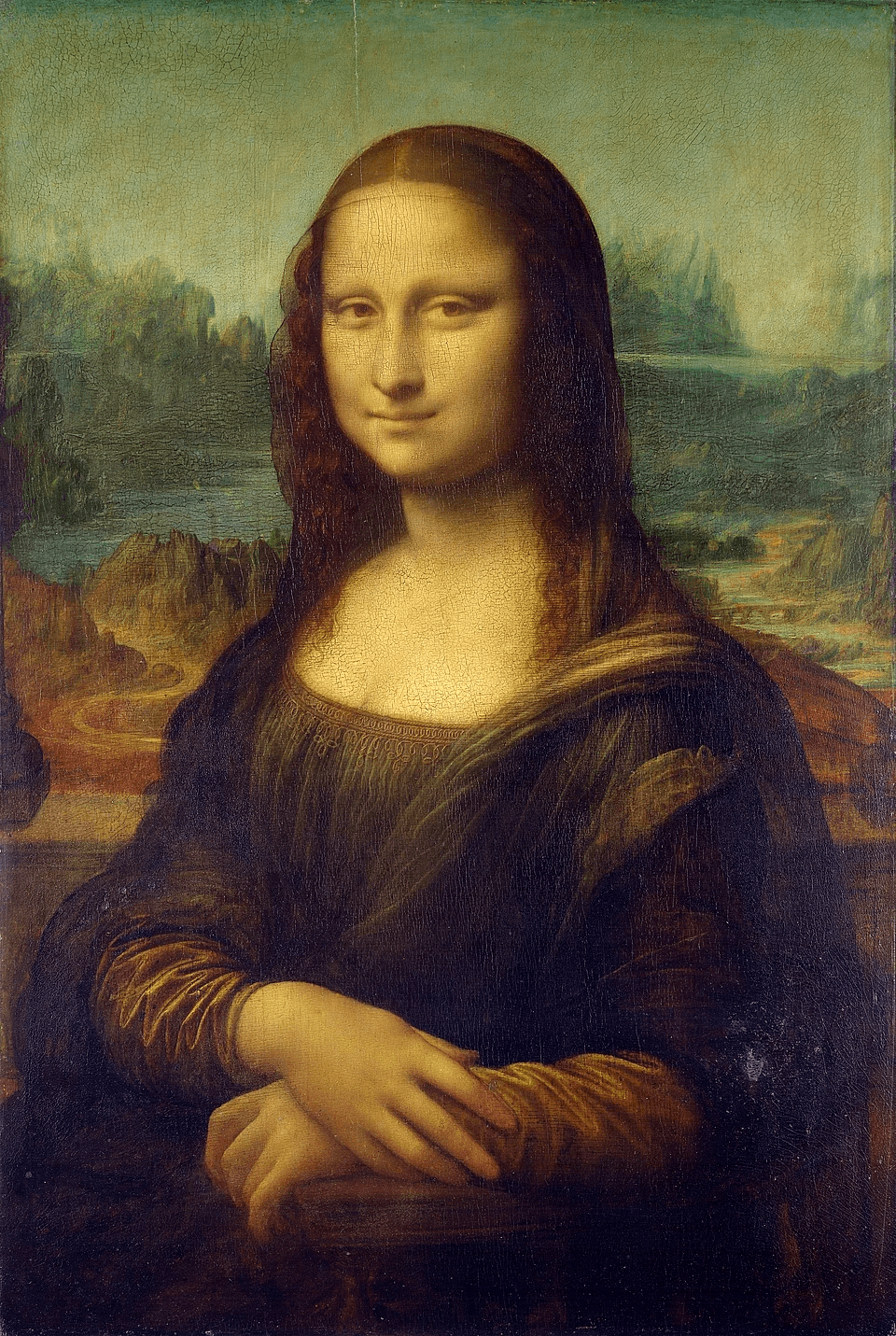
从样本克隆或选内置音色,让画中面孔用你选择的声音说话——博物馆藏品、油画肖像,或任何静态影像搭配克隆语音。
录一次三十秒样本、克隆声音,每年换脚本即可。听起来像你的问候胜过一张打字贺卡——需要视频时再加人像。
一段她朗读或说话的短片就够克隆声音,讲出新故事——即使出差或距离阻隔,也能延续仪式。
What a tribute or memorial video is, how to make one from a photo and voice sample, and why vocalove beats a regular editor.
A tribute or memorial video is a short clip where a still portrait appears to speak in a real human voice. You upload a photo of someone you love and a voice sample you have permission to use, type new words, and AI generates speech that matches how they sounded — not a generic text-to-speech voice. Portrait animation keeps face and audio connected, so the result feels like them speaking again rather than a slideshow with captions. Building the photo sequence for a service? Start with our funeral slideshow guide — vocalove supplies the closing line, not the fifty stills.
Families search for tribute videos and memorial videos when they want more than pixels: cadence, warmth, and familiarity — the way someone actually sounded at a wedding toast, on a voicemail, or reading a bedtime story. With vocalove you make a tribute or memorial video in your browser: add a portrait, clone their voice from a short sample with family consent, and share something guests can replay for years.
Three steps — portrait, voice sample, tribute script — and vocalove handles voice cloning plus animation. No timeline, no plugins. Most families finish a tribute or memorial video in under a minute. For a longer walkthrough, see our how to make a tribute video guide.
Step 1
Pick a clear, forward-facing photo the family agrees to use — scanned prints and phone snapshots both work. Skip the image if you only need the voice tribute as audio.
Step 2
Capture up to thirty seconds in your browser, or upload mp3, wav, or m4a you have permission to share. A voicemail, toast, or family recording is often enough for a memorial video.
Step 3
Type your script — a thank-you to guests, a poem, or words you wish you could hear from them — and generate the memorial video. Free trial for preview; paid credits unlock watermark-free 1080p download.
Traditional editors — iMovie, CapCut, Premiere — assume footage, timelines, and manual sync. A tribute or memorial video needs cloned speech plus portrait animation, not mouth animation by hand. vocalove combines voice cloning and video generation in one browser flow: portrait, sample, tribute script, generate.
Make a tribute or memorial video without installing software. Free trial covers preview; one-time credits unlock 1080p without a watermark. Built for family tributes — with permission rules, deletion controls, and no selling your uploads for unrelated model training.
在克隆声音或导出会说话的照片之前,先修复或润饰静态照片——这些 AI 图片工具都在同一个浏览器里。
Permission, privacy, exports, and pricing — straight answers before you make a tribute or memorial video.
Memorial videos need clear rules. Here is how vocalove handles your uploads and your trust.
Permission first
Use only voices and photos you own or are allowed to share — memorial tributes among people who trust each other.
Delete when you want
Remove memorial videos from your account; contact us to delete your account and associated content.
No selling your voice
Uploads are used to generate your memorial video — not sold for ads or unrelated model training.
1080p, no watermark on credits
Paid exports are full HD without a watermark. Free trial lets you preview before you buy.